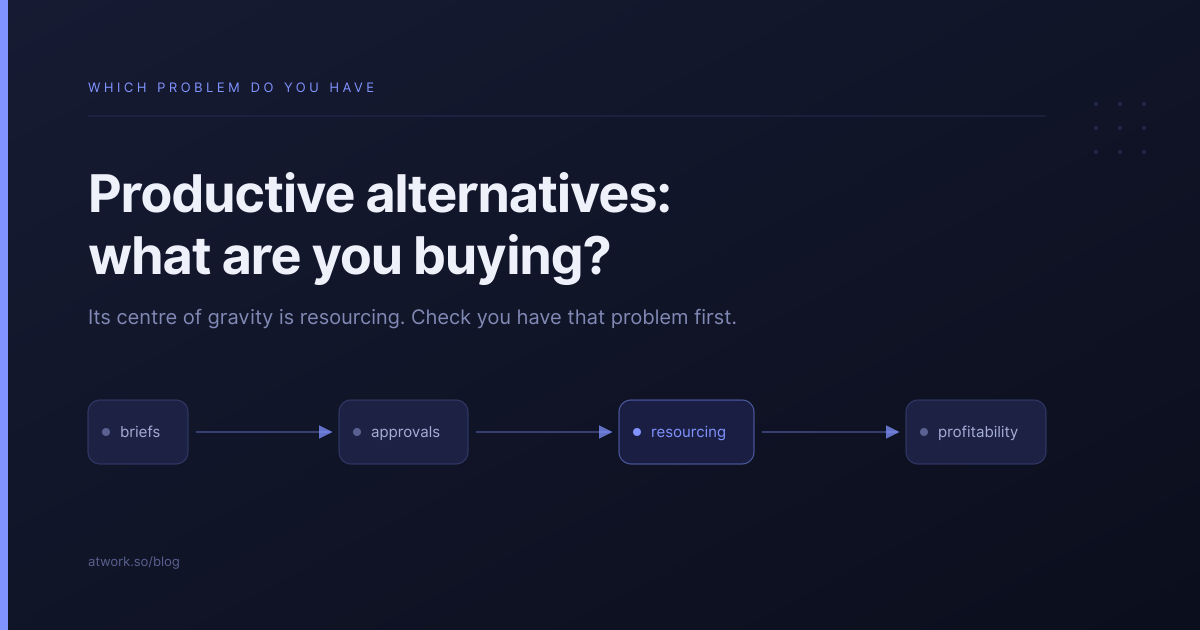
Most Productive.io alternatives lists compare feature grids. That is the wrong comparison, because Productive is not competing on features. It is a bet that your bottleneck is resourcing and profitability. Before you evaluate anything else, it is worth checking whether that bet is right for an agency your size, and what the tool actually costs once you add the parts you came for.
What is Productive.io built for?
Productive is built for agencies that have outgrown coordination and hit resourcing. Its centre of gravity is the resource planner and the profitability report: who is booked, at what rate, against which budget, and whether the engagement is still making money. It is agency-native in a way general project tools are not.
That is a real strength and worth conceding plainly. A deal carries its budget into the project, time booked against that project erodes the budget, and the margin is visible before the quarter ends rather than after.
If you are trying to answer whether a retainer is profitable this month, Productive answers it and most alternatives do not.
It also assumes something about you: that someone owns resourcing as a job. The planner rewards being kept current. Kept current by nobody, it becomes a second calendar that disagrees with the first.
What does it cost once you add invoicing?
More than the headline. Productive's pricing page splits the agency half from the project half:
| Essential — $10 | Professional — $25 | |
|---|---|---|
| Project and task management | Yes | Yes |
| Resource planning | Yes | Yes |
| Budgeting and time tracking | Yes | Yes |
| Invoicing integrations | — | Yes |
| Rate cards | — | Yes |
| Approval workflows | — | Yes |
| Ten people | $100/mo | $250/mo |
Tier prices are per user per month, billed yearly. Checked against productive.io/pricing on 29 September 2026.
That matters because rate cards and invoicing are usually the reason an agency looks at Productive rather than a general project tool. If those are what you are buying, your real number is $25 per user — $250 a month for ten people rather than $100. Still reasonable for what it does. Just not the figure in the comparison table that brought you here.
The honest version of the pricing question is therefore not "is Productive expensive" but "which tier do I actually land on". Work that out before you compare it with anything.
Do you have the problem Productive solves?
This is the question that decides the outcome, and almost no comparison page asks it. Agency problems change shape with headcount, and the tool that fits at eighteen people actively gets in the way at eight.
| Six to ten people | Fifteen and up | |
|---|---|---|
| What costs you time | Where is the current brief. Did the client approve this. Who is chasing the copy. | Who is free the week of the fourteenth. Is this retainer profitable. Are we over-servicing. |
| The shape of the problem | Coordination | Resourcing |
| What a resource planner does about it | Nothing | Earns its price |
If you are in the left-hand column and buying for the right, you will spend three months configuring a planner nobody updates, and still not know where the brief is.
What are the real alternatives, and who is each for?
| Alternative | Choose it when | The catch |
|---|---|---|
| Scoro | You want the finance half to go deeper | Heavier, and a five-seat minimum on every plan |
| Teamwork | You want agency-shaped PM and will invoice elsewhere | The financial half starts at $24.99 |
| Monday, ClickUp or Notion | You have an unusual process and want to build around it | You trade subscription cost for assembly time |
| Atwork | Your problem is coordination rather than resourcing | No resource planner — covered below |
If you want the full decision framework, we wrote one: best project management software for small agencies.
What do you give up by leaving?
Be clear-eyed about this. Leaving Productive means giving up genuine resource planning and genuine profitability reporting. Nothing in the cheaper tier of this market replaces them, including us. If you have been using the planner properly and your utilisation number comes from it, moving is a downgrade in that specific dimension.
The question is whether you have been using it properly. Open the planner and look at whether next month is filled in. If it is accurate, that is a real asset and you should think hard. If it is three weeks stale, you are not giving up a capability, you are giving up an intention.
Agencies most often regret this migration when they moved for price and discovered the planner had been quietly holding the delivery schedule together.
How does Atwork compare?
Atwork is aimed at the coordination problem, not the resourcing one.
| Productive | Atwork | |
|---|---|---|
| Resource planner with capacity modelling | Yes | No |
| Profitability and utilisation reporting | Yes | No |
| Rate cards feeding an invoice run | Yes, at $25 | No |
| Brief, work, feedback and sign-off | Spread across tools | On the same item |
| Client access | Included | Guests never counted against your licence |
| Seat minimum | Three on every plan | None |
| New client setup | Configure the project | Template installs the workspace |
| Fits an agency of | 15+ with an ops owner | 5–30 where the founder is the ops hire |
If the right-hand column of the earlier table is your daily reality, Productive is the better tool and this is not a close call. Where we fit is the left-hand column: the brief, the work, the client's comments and the approval on the same item, so a sign-off is a reply rather than a thread you reconstruct.
The Agency CRM template is the usual entry point, and the agencies overview covers the rest of the scope.
Where should you start?
Before you trial anything, spend ten minutes deciding which column you are in. Write down the four questions that cost you the most time last week. If three of them are about briefs, approvals and chasing, you have a coordination problem and a resourcing tool will not fix it.
Then run one client through whatever you shortlist for thirty days in parallel. If coordination is the answer, start free and put a single client in; the pricing is per seat with no minimum, so a three-person test costs what three people cost.
Write down the four questions that cost you the most time last week. If three are about briefs, approvals and chasing, you have a coordination problem — put one client in and see. Start free