Atwork in 5 minutes
Four ideas explain almost everything in Atwork. Learn these and the rest follows.
The model
Workspace — your company. One address, one set of people, one bill.
Space — an area of work: a team, a client, a department. Spaces are also how access works: being a member of a space is what lets you see what is inside it.
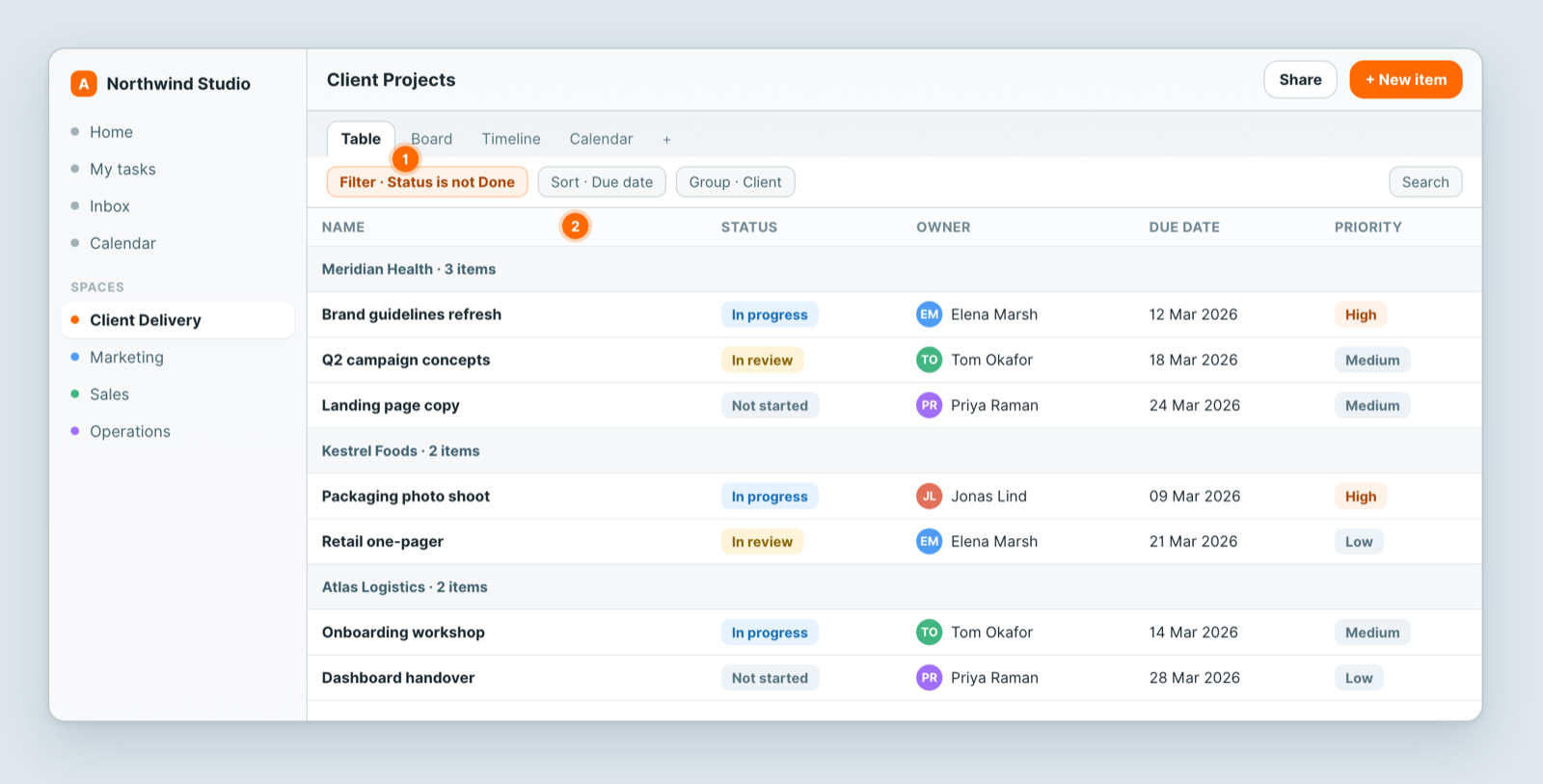
Sheet — a table of records inside a space. A sheet has typed fields (columns) and items (rows). Projects, tasks, contacts, invoices — all sheets.
View — a saved way of looking at one sheet: a table, a board, a calendar, a chart. Same data, different lens. Add as many as you need instead of copying the sheet.
Why it is not a spreadsheet
Fields are typed — a date is a date, a person is a person, a status is a status. That is what lets a calendar know which date to plot, a board know what to group by, and a chart know what to count.
And sheets can be linked. A Relation field connects projects to a client; a Rollup then counts the projects per client automatically. One place holds each fact.
The shortest path to something useful
- Create a space for one real area of work.
- Add a sheet, or install a template.
- Give it the fields you need — Status, a Date, an owner.
- Add a board view grouped by Status.
- Invite the people who do the work.
That is a working system. Everything else — automations, dashboards, forms, agents — builds on it.
Then explore
Automations react to changes. Dashboards chart what is in your sheets. Forms let outsiders add records. Agents do work as a member of the team. Portals show clients only their own records.
Related: Create your first workspace · Build a sheet with custom fields · Views: see the same data 12 different ways