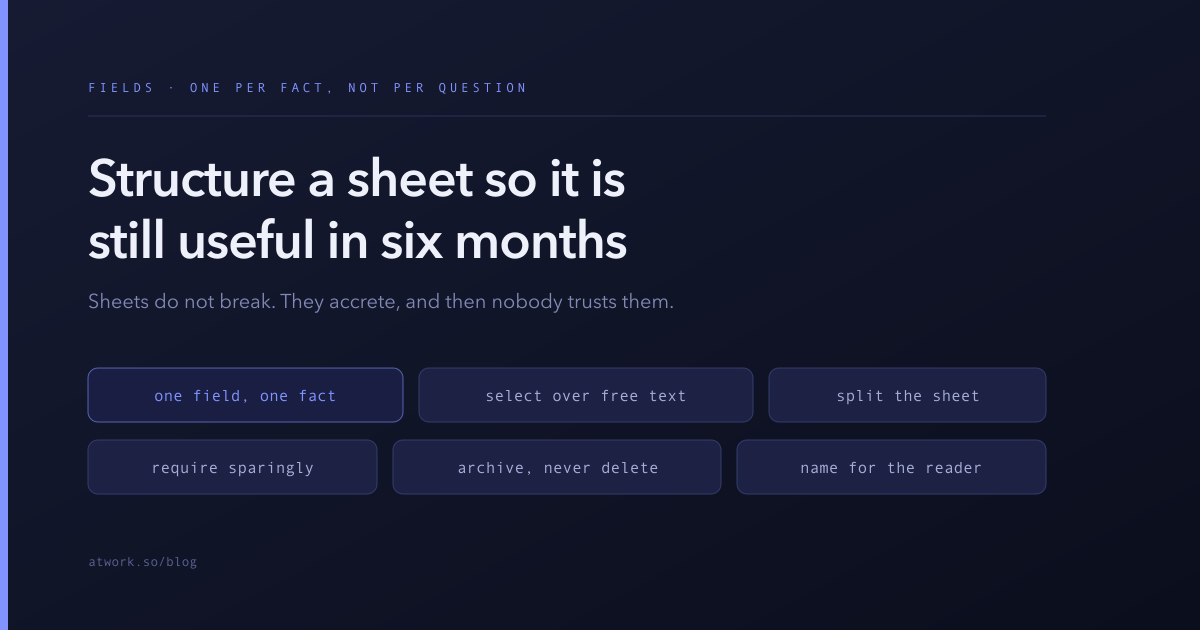
Nobody abandons a sheet because it broke. They abandon it because it slowly became untrustworthy — thirty columns, half of them empty, three of which mean almost the same thing, and no one certain which is the real one.
That decay is predictable, which means it is preventable. It comes from a single habit: adding a field every time someone has a question, rather than every time there is a new fact to record.
If the words sheet, item and field are not yet second nature, the building blocks of your workspace covers how they fit together — this article is the field layer in depth.
Why do sheets get worse over time?
Because adding a column is easy, removing one is frightening, and nobody owns the whole.
The sequence is always roughly the same. Someone needs to know which requests came from partners, so a Partner checkbox appears. Later someone needs the partner's name, so a Partner Name text field appears. Later still, reporting needs partners grouped by region, so Partner Region joins them. Now three fields encode one fact, they can disagree, and the checkbox is wrong on forty rows because people stopped ticking it once the name field existed.
Nothing in that story involves anyone being careless. Each addition was locally reasonable. The problem is that no step asked what fact are we recording? — they asked what do I need to see right now?
The discipline that prevents it is one sentence: a field records a fact about the item, not a question someone asked about it. Questions are answered by views, filters and grouping. Fields are for facts.
What belongs in a field and what belongs in the description?
A field is for anything you will ever filter, group, sort or report by. The description is for everything else.
This line is worth being strict about in both directions. Teams that put too little in fields end up with a sheet of prose that cannot be grouped by anything — all the information is present and none of it is usable. Teams that put too much in fields end up with twelve columns that are filled in for the first month and empty forever after.
A practical test before adding a field: name the view that will use it. If you can say "this lets us group the pipeline by region", it earns its place. If the honest answer is "it might be useful later", write it in the description instead. Descriptions cost nothing and never make a table unreadable.
The corollary: fields that nobody has filled in for three months are not neutral. They are a live suggestion that the sheet is incomplete, and they make the rows look unfinished even when the work is done.
When should a value be a select rather than free text?
Whenever the set of sensible answers is smaller than the set of possible answers — which is nearly always, for anything you intend to report on.
Free text is a promise that you will never group by this column. Type a region as text and you will get "EMEA", "emea", "Emea " with a trailing space and "Europe", which are four groups in every report you ever build. A select makes the same field groupable forever, and the constraint is a feature: it forces the decision about what the categories are up front, where it is cheap.
Use free text when the value is genuinely unbounded — a person's name, a URL, a one-line note. Use a select for anything that names a category, a stage, a tier, a type or a source.
And keep the option list short. If a select has grown past about a dozen options, they have usually stopped being categories and started being individual cases; that is a sign the field is doing two jobs, or that some options should be merged.
When should this be a second sheet instead of more columns?
When the new columns describe a different thing — or when one row would need several values for them.
The clearest signal is numbered columns. The moment you have Contact 1, Contact 2 and Contact 3, you do not have three fields; you have a second sheet called Contacts, linked to the first by a relation. Numbered fields are always a relationship trying to happen, and they fail the same way each time: someone has a fourth contact.
The second signal is a block of columns that are filled in for only some rows. If half your sheet has six invoice-related fields that are empty for everything that is not an invoice, that block wants to be its own sheet.
The test that resolves most cases: can one row have more than one of these? If yes, it is a related sheet, not a column. If no, and it is a single fact about this row, it is a column.
Which fields should be required?
As few as possible — only the ones without which the row is meaningless.
Required fields feel like quality control, and they are, briefly. What they actually control is entry, not accuracy. Make five fields mandatory and people will fill them with whatever passes: the first option in the list, a placeholder date, their own name in an owner field that should be someone else's. Now the data is complete and wrong, which is worse than incomplete, because incomplete is visible.
Require the two or three facts that make the row usable at all — usually a title, an owner, and a status. Everything else should be filled in when it is known, and the empty state should be allowed to mean we do not know yet, which is real information.
How do you clean up a sheet that already sprawled?
Carefully, and in an order that makes the risky steps last.
- Sort the fields by how full they are. Anything under about a fifth filled is a candidate for removal. This is the cheapest signal you have.
- Find the duplicates. Look for pairs that encode the same fact differently — a checkbox and a select, a text field and a relation. Pick the one with better data and plan to retire the other.
- Ask who uses each survivor. Not whether it could be useful; whether a named person or a named view uses it. Anything with no answer goes on the list.
- Convert free text to selects where the values are already effectively categorical. Clean the variants as you go.
- Archive, do not delete — at first. Hide the field from views and leave it a fortnight. If nobody notices, remove it. If someone does, you have found the owner you could not find in step 3.
- Write down what each remaining field means. Two sentences per field, kept with the sheet. This is the step everyone skips and the only one that stops the sprawl recurring.
Do the whole thing in one sitting rather than gradually. A half-finished cleanup leaves the sheet in a state where neither the old nor the new convention is trustworthy, which is worse than either.
Name fields for the reader, not the builder
One last habit, cheap and high-return. A field name is read hundreds of times and written once, so spend the extra seconds: Renewal date beats Date2, Requested by beats Owner2, and a name that says what the value means beats one that says where it came from.
The same applies to select options. "Blocked — waiting on customer" tells a colleague what to do; "Blocked 2" tells them to ask you.
Start with the sheet you distrust most
Every team has one — the sheet people export to a spreadsheet before they use. Open it, sort the fields by fill rate, and see how much of it is already dead.
With fields that mean something, everything downstream gets easier: the view can group by them, an automation can condition on them, and an AI agent can fill them in from what is already written in the description.
Start free and design the sheet before the sheet designs itself.