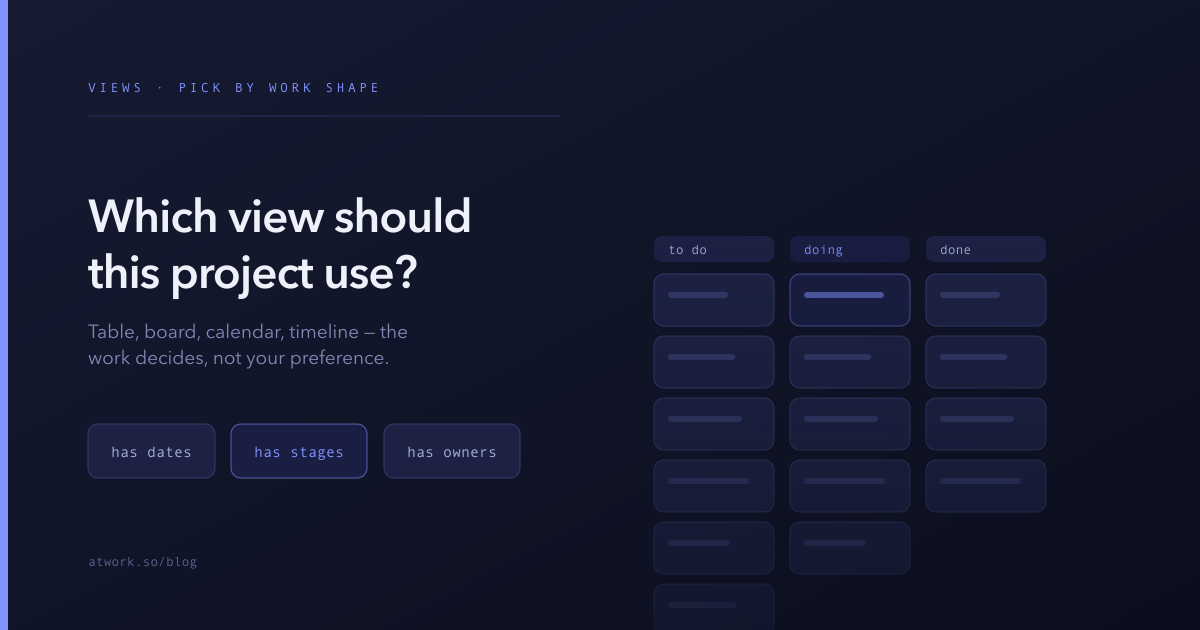
Most teams pick a view the way they pick a seat on a train: whichever one they used last time. That is why so many projects live on a kanban board that nobody moves cards on, or in a table that hides the fact three deadlines land on the same Thursday.
The view is not a cosmetic choice. It decides which facts about your work are obvious and which are buried. And the right one is determined by the shape of the work, not by preference — which means you can work it out from three questions.
Why does the view matter more than the tool?
Because a view is an argument about what matters. A board says stage is the important thing about this work. A calendar says timing is. A table says the attributes are.
When the view's argument matches the work, the right question gets answered at a glance and nobody has to ask for a status update. When it doesn't, people compensate with meetings — which is what a weekly status call usually is: a group of people reading aloud information their view failed to show them.
The good news is that the underlying data is the same regardless. Switching views does not migrate anything or lose anything; you are choosing a lens, not a container. That makes this a cheap decision to revisit, and worth revisiting more often than most teams do.
Does your work have dates?
If the dates are the point — if the main risk is that two things collide or something misses a deadline — you want a calendar or a timeline.
Use a calendar when items are events: things that happen on a day and are done. Content publishing, interviews, shifts, deliveries, campaigns. The question a calendar answers instantly is what is happening that week, and is it too much? No other view makes overload visible, because only a calendar shows empty space.
Use a timeline or gantt when items are spans with dependencies: things that run for a period and where one finishing late pushes another. Implementation projects, launches, anything with phases. The question it answers is if this slips, what else slips?
If your items have dates but the dates are only metadata — a created date, a due date nobody schedules around — that is a no. Dates existing is not the same as dates mattering.
Does your work move through stages?
If every item travels the same path and the useful question is where is it stuck, use a board.
A board is a queue diagram. Its real value is not that cards look nice but that a column growing tall is visible from across the room — you see the bottleneck before anyone reports it. Sales pipelines, hiring, support, editorial, bug triage: all naturally board-shaped, because all of them have a fixed sequence and a chronic bottleneck somewhere.
A board is the wrong choice when items do not really move. If a card is created in one column and dragged to Done a week later with nothing in between, you do not have stages, you have a to-do list — and a table shows that more honestly with far less ceremony.
A board also degrades badly at volume. Past a few dozen cards per column, the visual advantage disappears and scrolling costs more than it saves. At that point filter the board down to what is active, and use a table for the whole set.
Is the work owned rather than sequenced?
If what matters is who has what, and how much of it, use a table grouped by owner.
This is the underrated answer. Tables are the default view everywhere and get dismissed as boring, but they are the only view that shows many attributes at once and the only one that handles hundreds of rows without becoming unusable. When the real question is about distribution — workload, coverage, who is overcommitted — grouping a table by owner answers it immediately and a board never will.
Tables also win whenever the work is genuinely heterogeneous. A list of things that share no lifecycle, no stages, and no timeline is not a failure of your process; it is just a list, and a table is what a list looks like.
When should one project have several views?
When different people need different questions answered from the same data — which is most projects with more than one role involved.
The pattern that works: one dataset, several saved views, each named for the question it answers rather than for its type. Not "Kanban" and "Table" but "Where things are stuck" and "My week" and "Everything, for reporting".
What to avoid is duplicating the data itself. Two sheets that hold the same work will disagree within a month, and then you have a reconciliation problem instead of a visibility one. Multiple views of one sheet cannot drift, because there is nothing to drift from.
Which view should be the default?
The one that serves the person who opens it most often, which is usually the people doing the work rather than the person reporting on it.
Managers tend to set the default to the view that answers their question — the roll-up, the timeline, the board they present from. That is a small tax charged to everyone else on every visit. Set the default for the daily user, and let the reporting view be one deliberate click away.
What are the signs you picked wrong?
Watch for these; each maps to a specific fix.
- Nobody moves cards. The board is decoration and the real state lives elsewhere. Switch to a table, or find out why the stages do not match reality.
- People keep asking when something is due. Your view is not surfacing dates. Add a calendar or timeline view.
- Someone maintains a private spreadsheet alongside it. The clearest signal of all — the view is not answering the question they have, so they built their own. Ask them what the spreadsheet shows, and make that a view.
- The weekly meeting is mostly status recitation. The information exists but is not visible. Almost always fixable with grouping or a filter.
- The board has a column called Other. Your stages do not describe the work.
A related possibility worth ruling out: sometimes the view is fine and the underlying fields are the problem. No view can group by an attribute that was typed as free text.
Change it and see
Switching a view costs nothing and is instantly reversible, which makes deliberation a poor use of time. Pick the one the three questions point at, use it for a week, and watch whether people stop asking each other for updates.
And once the view is right, automate the small acts around it — the follow-up task, the nudge on the item that has gone quiet.
Start free and put your current project in the view its shape actually calls for.