Spaces, folders and sheets
A workspace holds spaces. A space holds sheets, pages, dashboards and folders to group them.
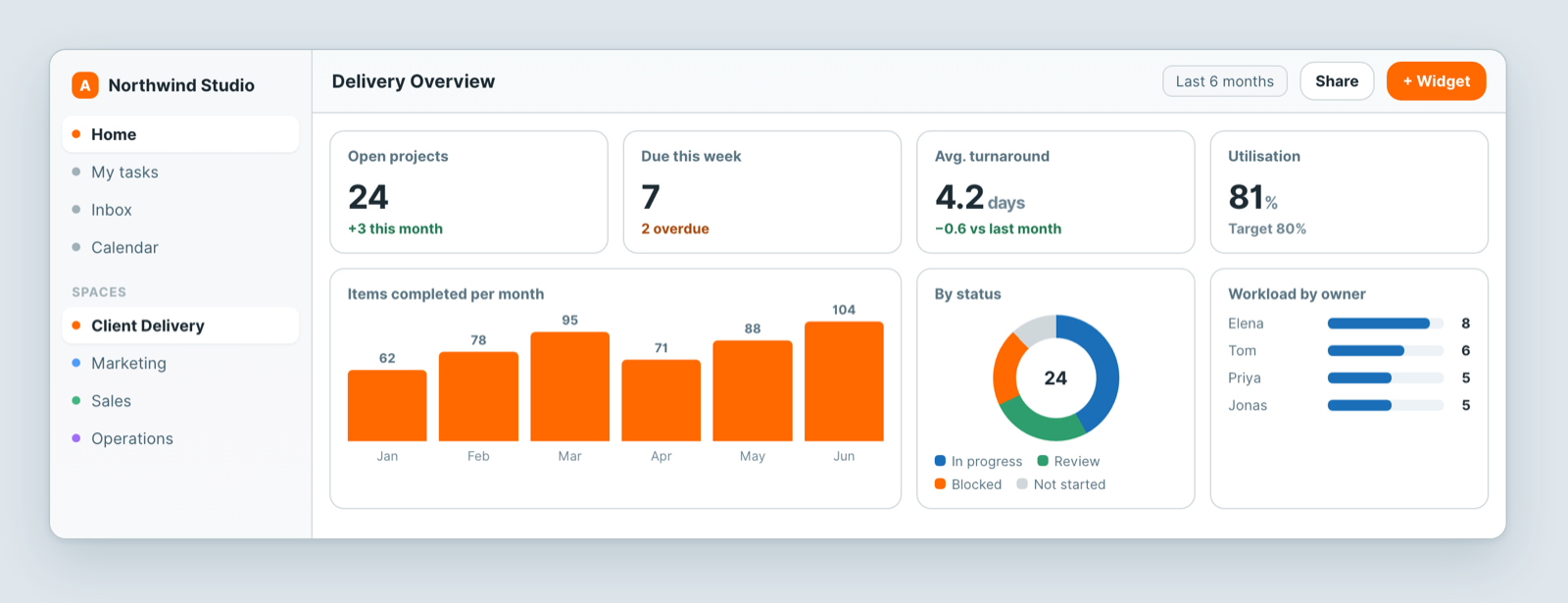
A space is an access boundary, not just a folder
This is the part worth understanding early: membership of a space is what grants access to what is inside it. Adding someone to the workspace does not show them everything — they see the spaces they are a member of.
So spaces are worth organising around who should see what, not only around what the work is.
When to create a new space
Make a new space when a different group of people is involved:
- A client, where you may later want to share a portal with them.
- A department — Sales, Marketing, Operations — whose data is not everyone's business.
- A confidential area, such as HR.
When a folder is enough
If the same people should see it, use a folder inside an existing space. Ten spaces with identical membership is just a sidebar that takes longer to read.
What lives inside
- Sheets — your records, with views on top.
- Pages — documents: briefs, notes, playbooks.
- Dashboards — charts and numbers drawn from sheets.
- Folders — grouping, when a space has grown.
Renaming and moving
Renaming a space or sheet is safe — links keep working. Moving a sheet between spaces changes who can see it, because access follows the space. Check the membership of the destination before you move something sensitive.
Related: Atwork in 5 minutes · Why can't my teammate see a sheet? · Invite your team