Share and embed a form
Once a form is published it has its own address that anyone can open — no Atwork account, no sign-in.
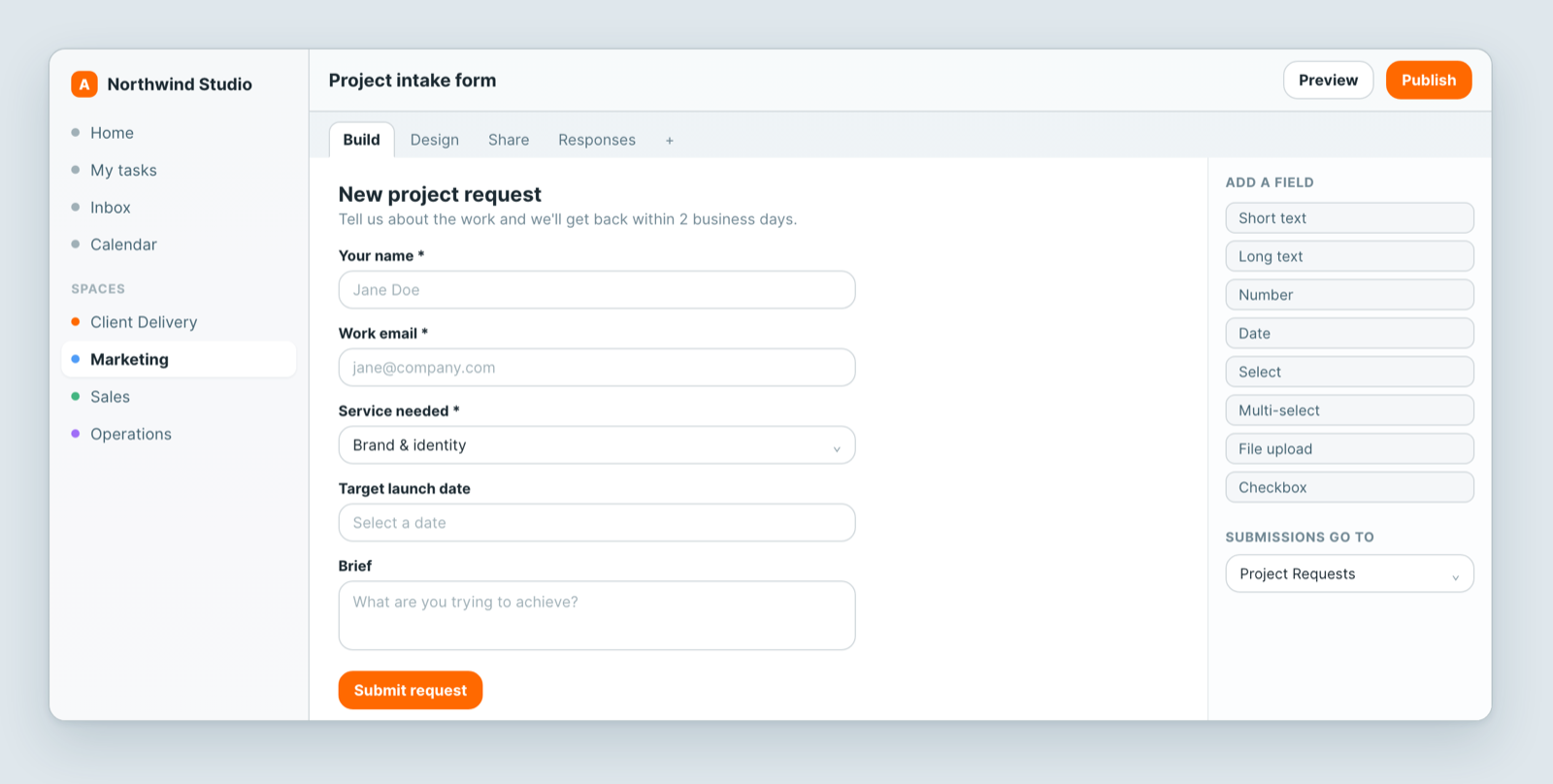
Share the link
Copy the form's link and send it: in an email, on a page, in a chat message. It works anywhere.
Embed it
Embed the form in your own site and it appears as part of your page, so people never leave. Handy for a contact page, a request form or an application.
What a respondent can see
Only the fields you put on the form. Not the sheet, not other people's submissions, not any other field on the same records. There is no way in from the form.
Worth stating plainly to anyone nervous about sharing it: a form is a one-way door into a single sheet.
Before you send it widely
- Submit it yourself once. The fastest way to catch a required field that should be optional, or a confusing label.
- Check where it lands — the right sheet, with a sensible starting status.
- Make sure someone is told. A form that collects into a sheet nobody watches is a slow way to lose work. Add a notification or automation.
If you need them to see their records
A form only takes things in. Clients who should also see their own records need a portal instead.
Related: Build a form and collect responses · Automate the repetitive parts