Formula fields
A Formula field calculates its value from other fields. You never type into it; it recalculates whenever its inputs change.
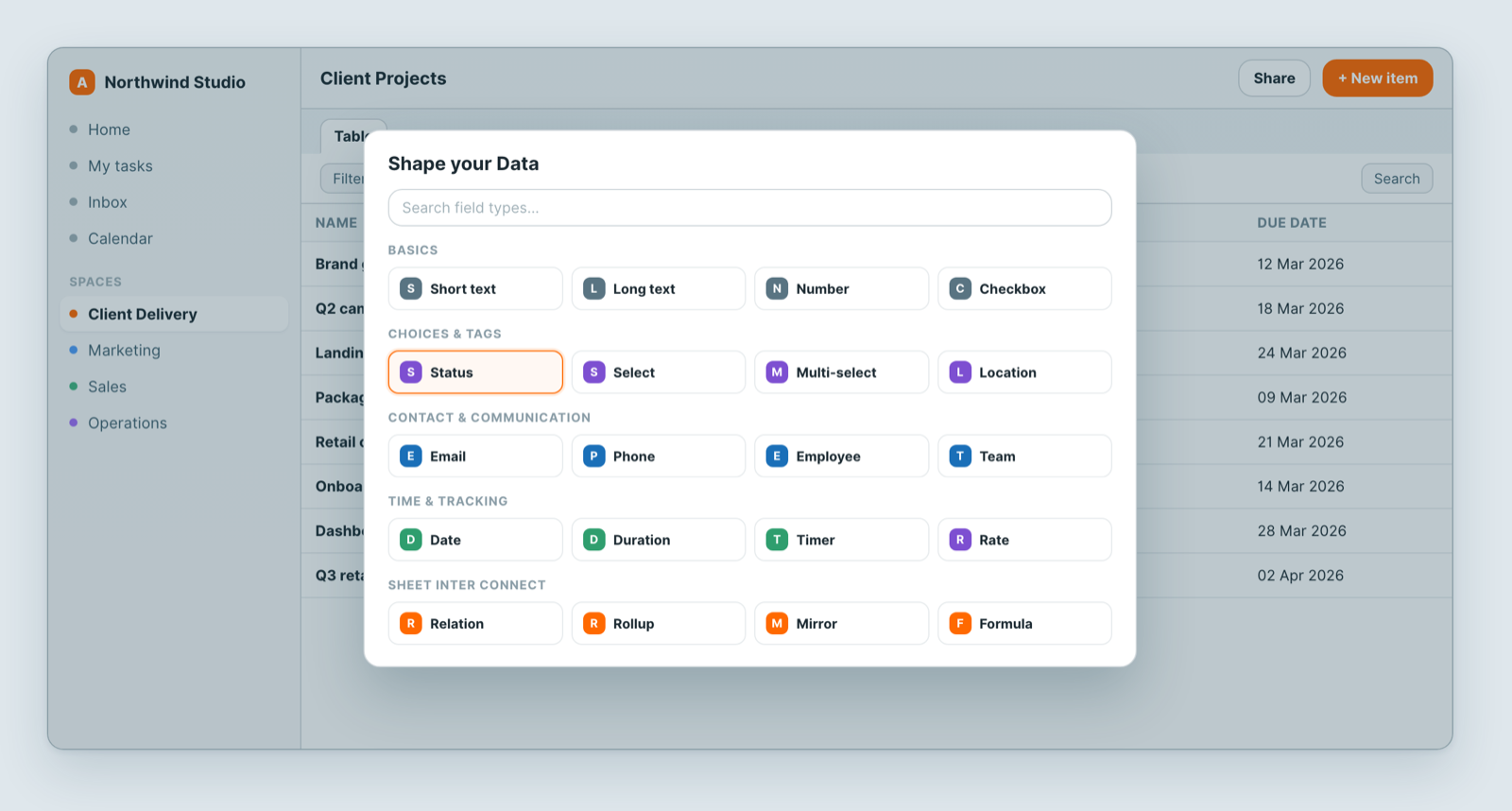
Add one
- Add a field and choose Formula.
- Build the expression — click a column to insert a reference to it.
- Save. Every existing record fills in immediately.
Arithmetic and text
Combine fields with sum, subtract, multiply and divide, and join text with concat. Quantity × unit price, revenue − cost, first name joined to last name.
Date functions
| Function | What it returns | Example |
|---|---|---|
days_from(Date Field) | Days elapsed since that date until today | days_from(Start Date) → 12 |
days_to(Date Field) | Days remaining from today to that date | days_to(Due Date) → 5 |
days_between(Start, End) | Days between two date fields | days_between(Start Date, End Date) → 30 |
There are also start day of and end day of for a date range, and progress days percent for how far through a period you are — useful for a project that should be tracking to a schedule.
Rounding
round(Number Field) rounds to the nearest integer. round(Price) → 42.
Functions across child rows
When a record has subtasks, these summarise them without any manual maintenance:
| Function | What it returns |
|---|---|
sum_children() | Total of a numeric value across all child rows |
avg_children() | Average across child rows |
min_children() | Smallest value among child rows |
max_children() | Largest value among child rows |
So a parent project can total its subtasks' estimates automatically.
Testing where a record sits in a hierarchy
hasParent() returns true when the record is a subtask; hasChildren() returns true when it has subtasks. Both are useful for filtering — showing only top-level work, for example.
Using the result
A formula field behaves like any other field once calculated: filter on it, sort by it, group by it, chart it. A days_to(Due Date) formula plus a sort is a countdown that maintains itself.
Notes
- Formula fields are read-only — that is the point.
- A formula reads fields on its own record (plus the child functions above). To summarise linked records from another sheet, use a Rollup.
- Rename a field a formula depends on and check the formula still resolves.
Related: Relations, mirrors and rollups · Subtasks and dependencies · Build a sheet with custom fields