I can't sign in
Work down this list. The first two causes account for most cases, and neither is a password problem.
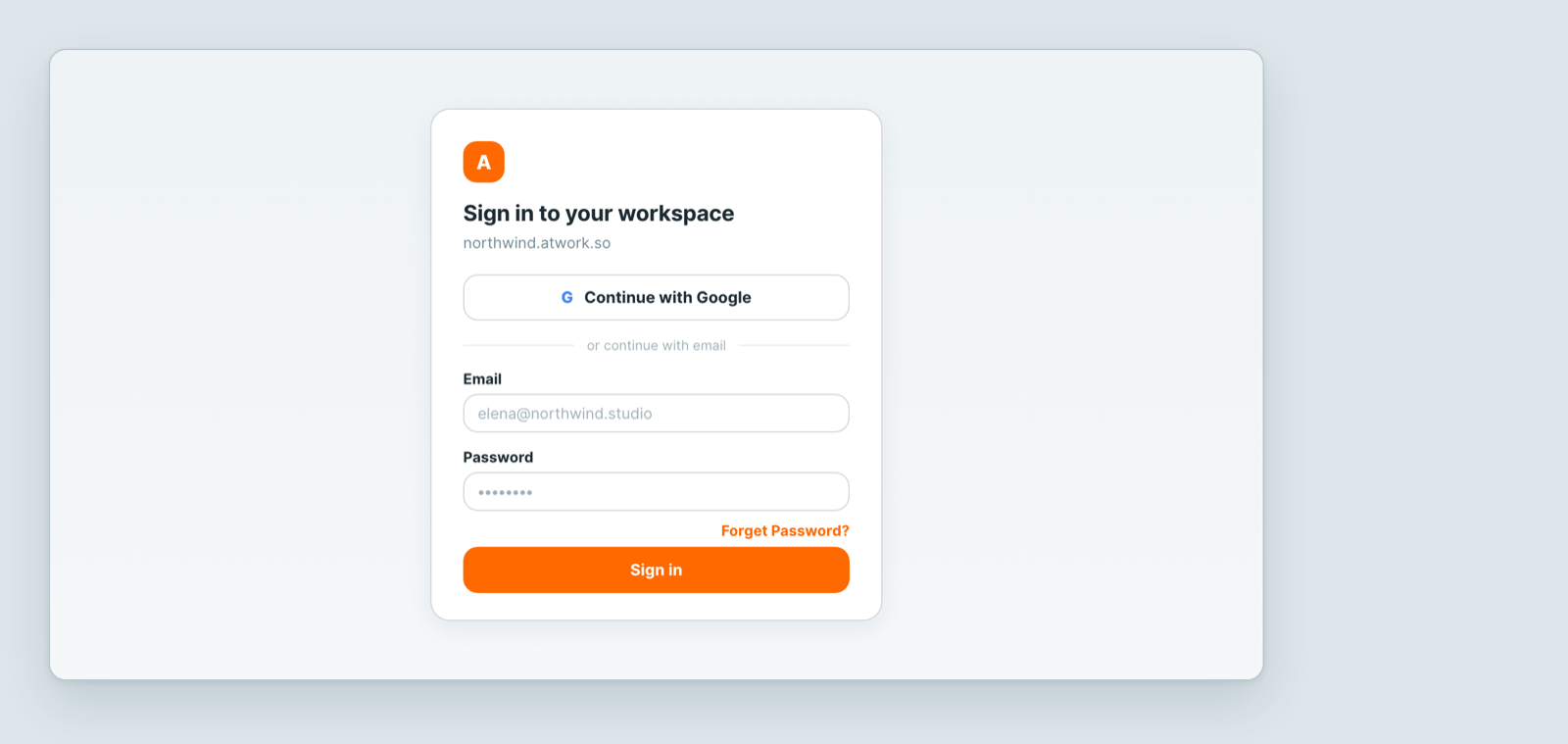
1. Are you at the right address?
Every workspace has its own address, like northwind.atwork.so. Signing in at the wrong one fails even with perfect credentials, because your account does not exist there.
If you are not sure, check the invitation email — it links to the right place. Bookmark it once you are in.
2. Did you ever accept the invitation?
If you were invited but never opened the link, you have no account yet. There is nothing to sign in with and nothing to reset. Ask whoever invited you to resend it — they can see your row marked Invited under Settings → Users.
3. Are you using the right method?
If you signed up with Continue with Google, you never set an Atwork password, and typing one will always fail. Use the Google button. The reverse also applies: if you created a password, Google sign-in may not match if it uses a different address.
4. Password actually forgotten?
Use Forget Password? on the sign-in page. A new password needs at least 8 characters including numbers. See Reset your password.
5. Has your account been deactivated?
An admin can deactivate a member, which frees their seat and blocks sign-in. Your credentials are fine — the account is closed. Ask an admin in your workspace.
6. Signs in, then bounces straight back out?
That is usually a stale cached copy of the app rather than an account problem — see The page is blank or out of date. A private window is the fastest way to confirm it.
Still stuck?
Ask a colleague who is already in to raise a ticket for you, and include the exact address you are trying and the email you expect to sign in with.
Related: Reset your password · Emails aren't arriving · The page is blank or out of date