Reset your password
You can reset your own password from the sign-in page — no one needs to do it for you.
Steps
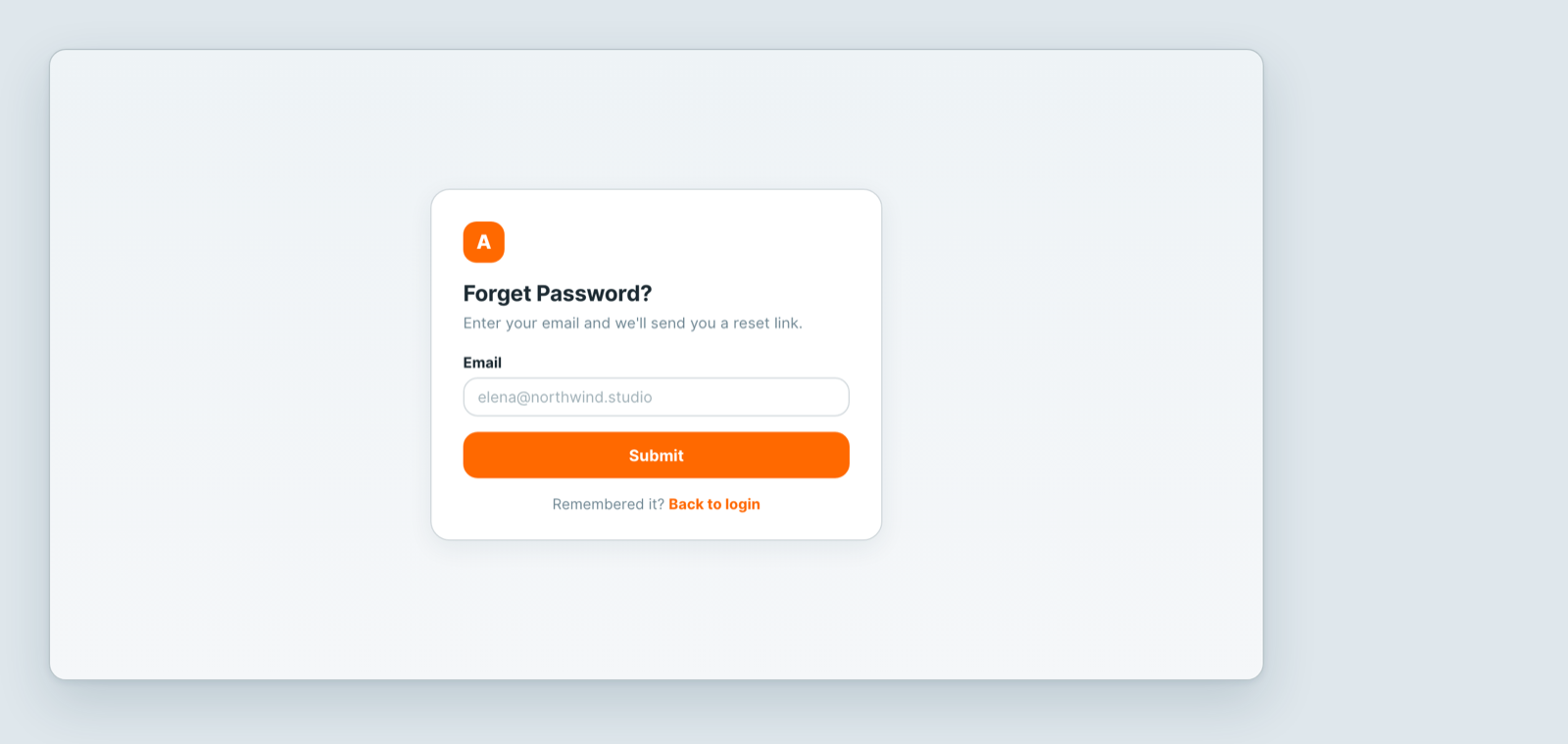
- On the sign-in page, click Forget Password? under the password box.
- Enter the email address you sign in with, and click Submit.
- You will see Check your email. Open the reset link we send.
- Choose a new password. It must be at least 8 characters and include numbers.
- Sign in with the new password.
If the email doesn't arrive
- Check the spam folder — it is the most common answer.
- Check the address. The reset only goes to an email that already has an account. A typo, or a different address from the one you were invited with, produces no email.
- Check you are on the right workspace. Each workspace has its own address, like
northwind.atwork.so. Resetting on the wrong one will not help you into yours. - Never accepted your invite? Then there is no password to reset yet — ask whoever invited you to resend the invitation.
Signed in with Google?
If you use Continue with Google, you do not have an Atwork password at all. Reset it with Google instead, and keep using that button.
Related: Invite your team · Create your first workspace
Related articles
Who can see a dashboard?
An Atwork dashboard is a Charts view on a sheet and follows the sheet's access: who can open it, who sees which numbers, and who can create or delete it.
Members, guests and portal users
Atwork has three kinds of people: members, guests and portal users. See who signs in, what each can see, and who takes a paid seat.
Teams and jobs
Teams group the people who work together and give them a shared space. Jobs record what each person does. Here is how both differ from roles.