Support triage is the best first AI agent for most teams. The job is narrow, the input is already in your workspace, and every result can be checked in about five seconds — which means you find out quickly whether the agent is any good, and mistakes cost you almost nothing.
This walkthrough builds one end to end: what it should and should not do, how to scope it, what to write in the persona, and how to wire it into your existing statuses so it hands work back rather than finishing it. It assumes you know roughly what a custom agent is.
What should a triage agent actually do?
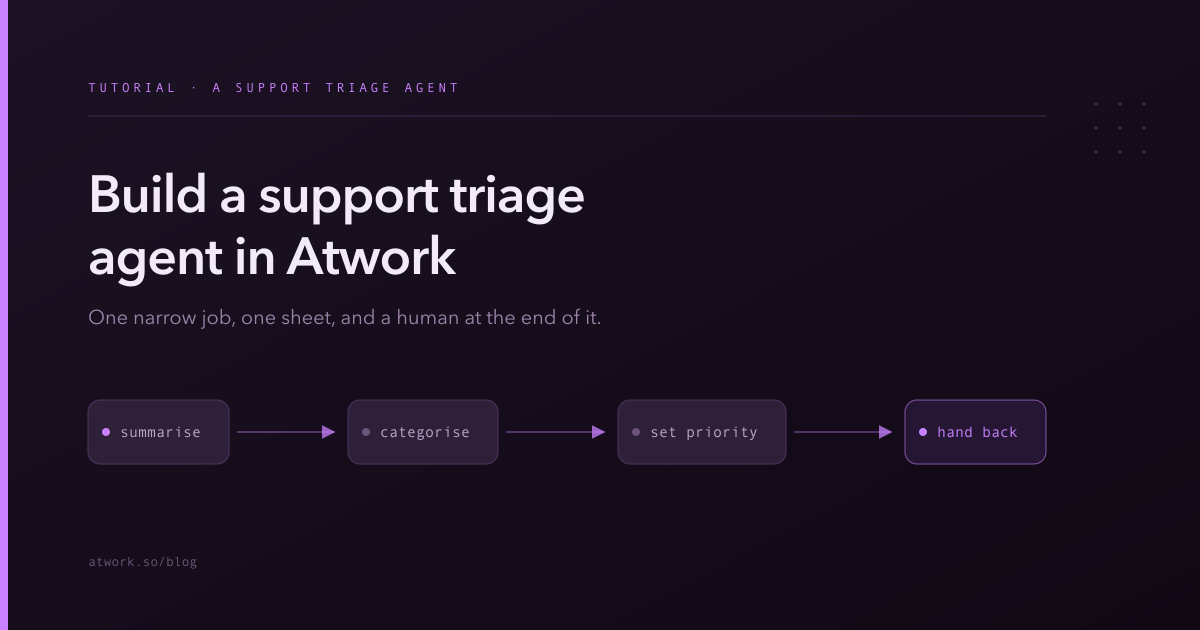
Four things, and nothing else: summarise the request, categorise it, suggest a priority, and hand it to a human.
The temptation is to have it also answer the customer, or resolve the simple cases, or search your documentation for a fix. Resist that on the first build. Triage is valuable precisely because it is low-stakes — a wrong category costs someone ten seconds to fix. A wrong answer sent to a customer costs considerably more, and mixing the two means you cannot evaluate either.
So the finished agent produces, for each incoming request:
- A summary of at most two sentences, in plain language
- A product area or category
- A suggested priority, with one short reason
- A flag when the request is too unclear to triage
That last output is underrated. An agent that reliably says I cannot tell what this person wants saves more time than one that always produces a confident guess.
What do you need before you start?
Three things, all of which most support setups already have.
- A sheet where requests land. Whether they arrive by form, by email, or by hand does not matter, as long as they end up as rows.
- Fields for the agent to fill. A category field, a priority field, and somewhere for the summary — a text field or the comment thread both work.
- Statuses that describe the flow. You need at least three distinct ones: a state meaning newly arrived and untriaged, a state meaning being triaged, and a state meaning triaged and waiting for a human.
If your statuses currently go straight from New to In Progress, add one for the handback point before you build anything. The agent needs somewhere to put finished work that is visibly not the same as finished.
Worth checking before you build: is the routing part of your flow a fixed rule? Getting the request into the right sheet almost always is, and that belongs in an automation, not in the agent.
How should you scope it?
To the support space only, and to write access on the requests sheet only.
This agent has no legitimate reason to read your sales pipeline, your HR sheets, or your product roadmap. Narrow scope here is not caution for its own sake — it also makes the agent better, because a model with less irrelevant context available makes fewer irrelevant associations. If you need to justify the scope to someone, the permission model covers what an agent can and cannot reach.
Capabilities: it needs to update items, since it is setting fields, and it needs to comment. It does not need to create or delete anything.
What should the persona say?
Write it as a job description with hard boundaries. Something close to this:
You triage incoming support requests. For each one, write a summary of at most two sentences in plain language, set the category to the product area it concerns, and set a suggested priority of low, normal or urgent with one short reason. Write for a support colleague who has thirty seconds and has not read the request. Do not attempt to solve the issue, suggest workarounds, or estimate a fix time. Never contact the customer and never mark a request resolved. If the request is too vague to categorise, say so plainly in the summary and set the priority to normal rather than guessing.
Every clause in there is doing work. The length limit prevents the wall of text that nobody reads. The reader description sets the register. The prohibitions close off the adjacent jobs an unconstrained agent will drift into. And the final clause converts the most common failure — confident nonsense on an unclear input — into a useful signal. The full persona guide explains why each of those five parts earns its place.
Define your priority levels in the persona
One addition that materially improves consistency: say what your priority levels mean, in your terms. Urgent means the customer cannot use the product at all. Normal means it is affecting their work but they have a way around it. Low means it is a question, a request, or cosmetic.
Without this the agent invents its own thresholds, and they will not be yours.
How do you wire it into your board?
Through the agent's work policy, which names three of your statuses:
- Pickup status — the one meaning newly arrived. When a request lands here and the agent is assigned, it claims it.
- Working status — the agent moves it here while it works, so the board shows the request is being handled rather than sitting untouched.
- Handback status — where it puts finished triage for a human to pick up.
Set the concurrency cap conservatively at first. If twenty requests arrive at once, you want to read a few results before the agent processes all twenty the same way.
The important design point: the handback status must be a state a human reviews, not a state that looks done. If triaged items flow straight into a queue nobody re-reads, you have not built a triage agent — you have built an unsupervised classifier, and you will not notice when it drifts.
Which model should power it?
A cheap, fast one. Triage is classification and short summarisation of a single input — the job shape that runs perfectly well at the bottom tier, and it runs at high volume, which is exactly where an unnecessary upgrade gets expensive. Match the tier to the job rather than reaching for the strongest option available.
How do you know if it is working?
Read every result for the first week. Not a sample — every one. It is perhaps ten minutes a day and it is the only way to build a calibrated sense of where the agent is reliable.
Keep score on three things:
- Summary quality. Did reading the summary save you from opening the request? That is the whole value proposition; if the answer is no, tighten the length limit or the reader description.
- Category accuracy. Count the corrections. If one category is consistently wrong, the fix is almost always that your category names are ambiguous, not that the model is weak.
- Priority agreement. How often would you have chosen the same level? Below about eight in ten, your priority definitions need sharpening in the persona.
After a week, decide: keep it, tune the persona, or turn it off. All three are reasonable outcomes and the third is not a failure — it means triage was not your bottleneck, which is worth knowing.
What should you add next — and what should you not?
Once triage is steady, the natural extensions are drafting a suggested first reply for a human to send, and flagging duplicates of existing requests. Both keep a human in the send path, which is the property that made triage safe.
What not to add: automatic replies to customers, automatic resolution of requests the agent believes are simple, and automatic escalation to another team. Each removes the human review step that makes the whole arrangement reviewable, and each is the change that turns a well-behaved agent into an incident.
Build it this week
One sheet, one narrow persona, three statuses, and ten minutes a day reading the output. That is the entire project, and it is small enough to finish in an afternoon.
Start free and let your support team spend their attention on the requests that need it.