What is an agent?
An agent is a member of your workspace that happens to be AI. It has a name, an avatar, a job description, and it can be assigned work like anyone else.
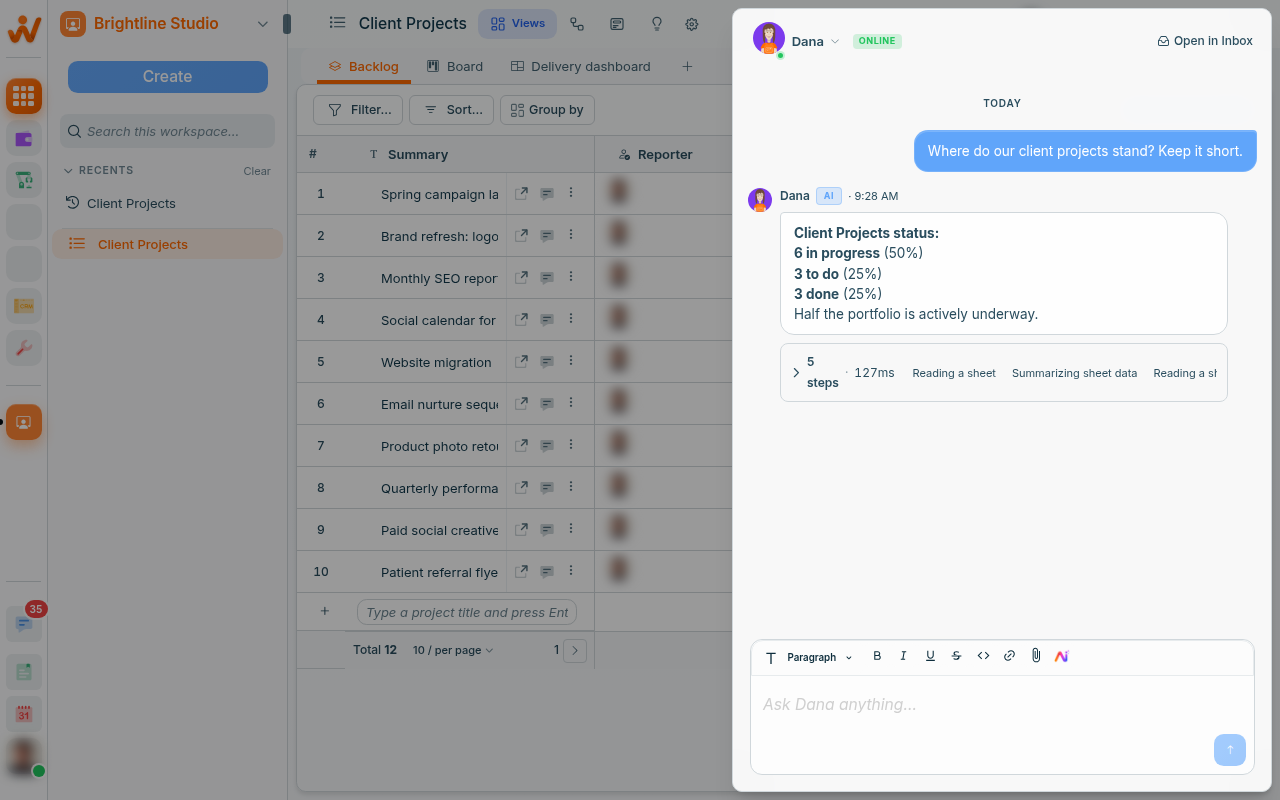
Agent or Dana?
Dana, Atwork's built-in assistant, helps you, when you ask. You open it, you ask, you get an answer.
An agent has a standing job. Work is assigned to it, or an automation hands it something, and it acts — without anyone opening a chat.
Same underlying capability, different shape: one is a tool you pick up, the other is a colleague with a role.
What agents are good at
- First-line triage — reading what came in, answering the answerable, escalating the rest.
- Drafting — the first version of a reply, summary or update, for a person to approve.
- Summarising — turning a long thread or a busy week into something readable.
- Routine judgement calls — categorising, tagging, routing.
What makes one good
Two things, both of which you control:
- A specific job. "Answer questions about our delivery process" beats "be helpful".
- Knowledge. An agent can be given pages from your workspace to work from, so it answers from your facts rather than general knowledge.
Agents work within permissions
An agent sees what its access allows, exactly like a person. Giving one a job does not give it your access, and it cannot reach a space it is not in.
Where they show up
An agent can be an assignee on a record, a step in an automation, or the responder in a conversation. It shows as a member wherever people show, so it is always clear when one has acted.
Related: Meet Dana, your AI assistant · Automate the repetitive parts