Invoices and payment problems
Everything to do with money lives under Settings → Billing.
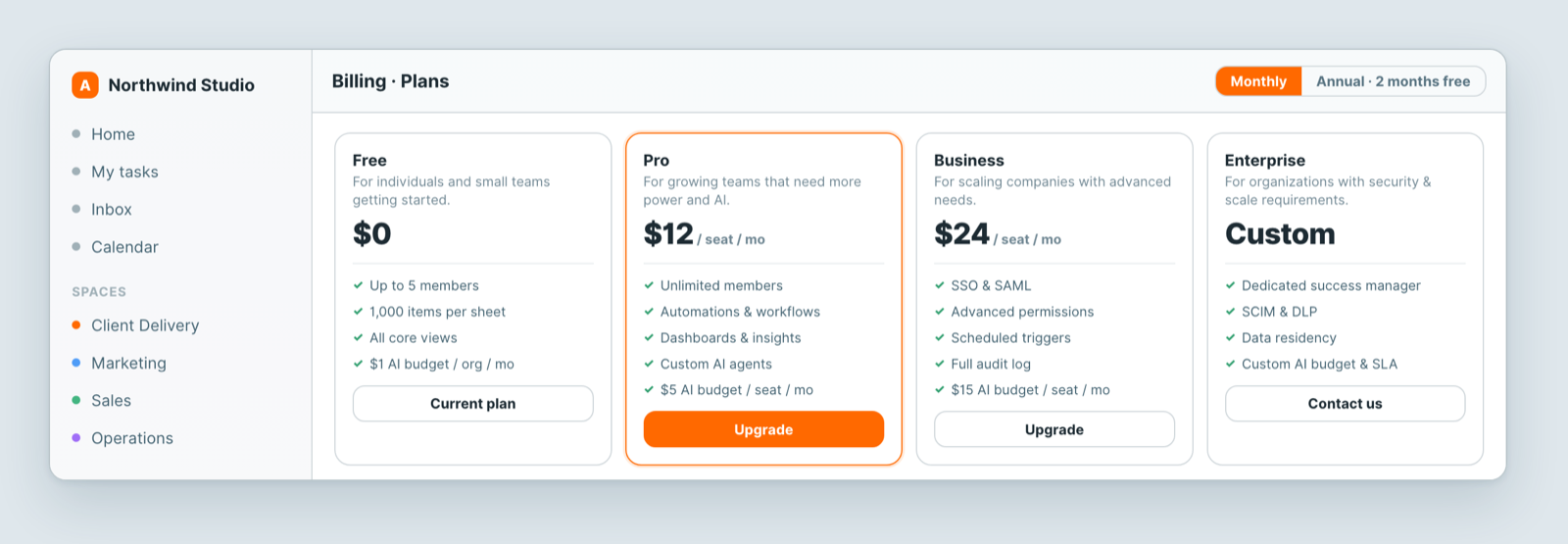
Invoices
Past invoices are listed under Billing, and each can be opened and downloaded. They go by email to the workspace owner, so if a colleague handles expenses, forward them or make sure the right person has access.
Billing details
Company name, address and tax details appear on the invoice, so set them before the first one is issued rather than asking for a reissue afterwards.
A payment failed
Usually the card, not the account. Check:
- The card has not expired — the most common cause by a distance.
- There are funds or credit available.
- Your bank has not blocked it. International or recurring charges are sometimes held on a first attempt; approving it with your bank and retrying normally works.
Update the payment method under Billing and retry.
A payment went through but nothing changed
Confirmation usually arrives in moments, but occasionally lags. If a charge left your account and the plan did not change:
- Refresh the billing page — sometimes the screen is simply stale.
- Wait a few minutes and check again.
- Raise a ticket with the date, amount and last four digits of the card. Do not pay a second time — that produces a duplicate charge and a refund to chase.
What we need for a billing ticket
The invoice number or the date and amount, what you expected, and what happened. Never send full card details — we do not need them and cannot use them.
Refunds and disputes
Handled by a person, always. File a ticket and it goes to someone who can act on it.
Related: Plans & billing explained · Contact support