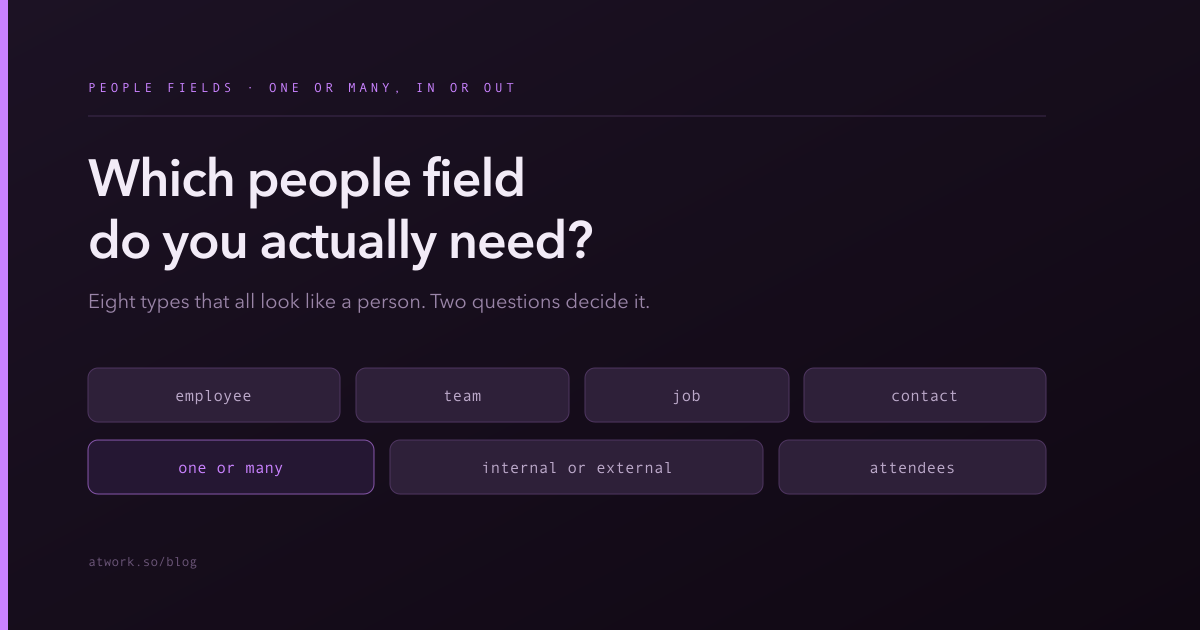
Open the field picker looking for somewhere to put a person's name and you are offered eight plausible options. They are not redundant — each answers a different question — but nothing in the names tells you which question is yours.
Two questions resolve nearly every case: one person or several? and inside your organisation or outside it?
This one is worth getting right first time. Of all the field decisions, people fields are the most expensive to change later, because a corrected type means re-entering a value on every existing row — there is no bulk conversion that can guess who you meant.
Why are there so many people-shaped fields?
Because "a person" turns out to be several different things once a system has to reason about them.
An employee is an account in your workspace with permissions attached. A team is a group of them. A job is a role that a person occupies rather than a person. A contact is somebody outside your organisation who has no account at all. Attendees are people invited to something, who may or may not have replied.
Storing all of those as one type would mean losing the differences — and it is the differences that let the system notify the right person, respect the right permissions, and show the right avatar.
One person or several?
Four of the eight types are list variants, and they exist purely for the many case: Employee List, Team List and Job List hold several values where Employee, Team and Job hold one.
Pick by whether the row can legitimately have more than one. A task usually has a single owner — Employee. A review that requires three sign-offs has several — Employee List. Reviewers, watchers, participants and approvers are almost always list fields; owner, assignee and manager are almost always single.
The advice that saves the most pain: do not use a list field to avoid deciding. Teams often reach for Employee List on ownership because occasionally two people share a task, and the cost is real — a field that can hold many stops answering "who is responsible", and shared ownership tends to mean nobody chases it. Keep a single Employee for the owner and add a separate list field for everyone else involved.
All six of these group and sort in views, so a table grouped by owner works whichever you choose.
Internal or external — Employee versus Contact
Employee is for people with an account in your workspace. They can be notified, mentioned, assigned to, and their access is governed by your permission model.
Contact is for people outside it — a client contact, a candidate, a supplier, a lead. They have no account and no access, and storing them as a Contact rather than as text keeps their details structured and groupable rather than scattered across free-text columns.
The mistake in one direction is storing an external person's name as plain text, which puts you back in the world where "J. Smith" and "John Smith" are two different people in every report. The mistake in the other direction is wanting to assign work to someone who has no account — that is a signal you need either to invite them, or to model the relationship differently, not to force a Contact into an ownership field.
One caveat on scale: if the people outside your organisation have attributes of their own that you care about — their company, their tier, their history — they may deserve their own sheet, connected by a relation, rather than living as a Contact value on someone else's row.
When should you assign to a Team instead of a person?
When the work is genuinely owned by a group and the individual will be decided later — or never.
Team works well for routing: an incoming request goes to Support, and someone on Support picks it up. It is honest about the state of the world, where naming an individual too early is a fiction that then goes stale.
Where it goes wrong is using Team as the permanent owner of work that a person must actually do. A task owned by a team is a task nobody has agreed to, and it will sit. The pattern that works: Team for routing, Employee for doing. Two fields, and the second gets filled in when someone picks the work up — which is exactly the moment an automation can prompt for if it stays empty too long.
What is a Job field for?
A Job records a role rather than a specific person — the position, not its current occupant.
That distinction matters whenever the answer should survive people changing. A process step that always belongs to the Head of Finance should name the job; if you name the person and they move on, every row silently points at the wrong human. Use Job for approval chains, escalation paths and responsibility matrices — anywhere you are describing how the organisation works rather than who happens to be there this quarter.
Use Employee when you mean this specific person, for this specific piece of work.
What are Attendees for?
Attendees is for people invited to something, and it carries their response with it — it is the field behind bookings and meetings, holding both internal people and outside guests, along with whether each has accepted.
Two practical notes. It supports a "contains me" filter, which is what lets someone find the things they are personally invited to. And unlike the other people types, it does not group — which makes sense, since a cell holding six invitees with mixed responses has no single value to group on. If you need a groupable owner for a meeting, that is a separate Employee field for the host.
Do not reach for Attendees as a general-purpose multi-person field. Its RSVP semantics are the whole point; for a plain list of involved people, use Employee List.
Can an AI agent go in a people field?
Yes. Custom AI agents get their own employee record, so an agent appears in assignee dropdowns and mention menus alongside your colleagues, and can be set as the value of an Employee field.
This is the practical reason the agent feature slots into existing boards without anyone learning a new interface — assigning work to an agent uses the same field, the same dropdown and the same views as assigning it to a person. It also means the guidance above applies unchanged: a single Employee field for the owner, whether that owner is human or not.
Which one to pick when you genuinely aren't sure
Run it in this order:
- Is the person outside your organisation? → Contact (or a related sheet, if you care about their attributes).
- Are you describing a role that outlives its occupant? → Job.
- Are they invited to something and might decline? → Attendees.
- Is the owner a group until someone claims it? → Team, plus an Employee field for whoever does.
- Can the row need more than one? → the List variant of whichever of the above applies.
- Otherwise → Employee.
And when the answer is close between a single field and a list, choose the single one. Widening later is easy; deciding retrospectively which of three names on a row was the real owner is not.
Start free and check that the owner field on your busiest sheet holds exactly one person.