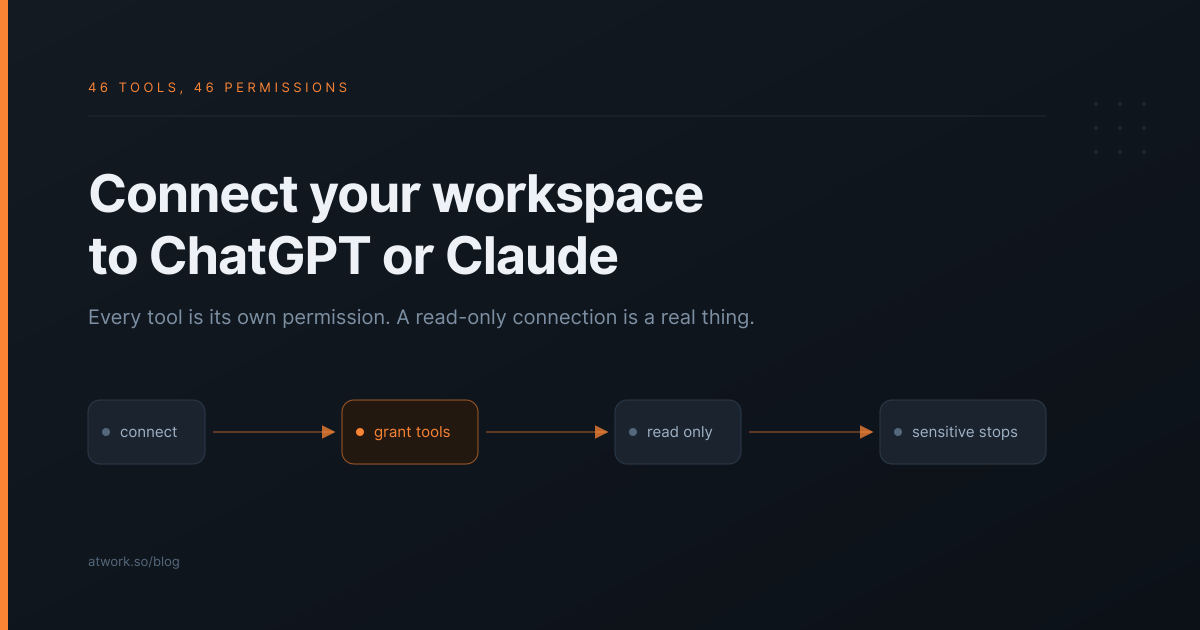
Most agencies already have ChatGPT or Claude open in another tab. What they do not have is a way for it to answer a question about their actual work — which deliverables are late for Harbor Dental, what changed on the campaign this week, which retainer is over-serviced. So it drafts copy, and the useful half of the job stays manual.
Connecting your Atwork workspace closes that gap. The part worth getting right is not the connection. It is what the assistant is allowed to do once it is connected.
What does connecting actually let you ask?
Questions about your own delivery, answered from your own data rather than from a paste. Once your workspace is connected, the assistant can read your sheets, look up a client's items, check a schedule, and search across the workspace — so the questions stop being about documents and start being about work.
The shift is small to describe and large in practice. "Summarise this brief I pasted" becomes "which of Harbor Dental's deliverables are past their due date, and what was the last comment on each". The first is a writing tool. The second is an operations tool.
That works because the assistant is talking to the same records your team uses, not a copy that was accurate whenever you last exported it.
How does the connection work?
Through MCP, the standard both ChatGPT and Claude use to talk to external systems. You connect once, and the assistant gains a set of tools it can call on your behalf.
There are two ways to authenticate, and they suit different situations:
- A personal access token. Fastest to set up, best for your own account and for scripts. The token acts as you.
- OAuth. You sign in and approve the connection the way you would approve any app, on a screen that lists in plain words what the assistant is asking to do. There is no key to copy or store, and each call is checked against the tools you approved.
Both reach the same workspace, and both act as you. The setup steps for Claude, ChatGPT, Cursor and other assistants are on the Atwork MCP page, and there is a longer walkthrough of connecting your workspace to Claude with MCP.
What is the assistant allowed to do?
What you are allowed to do, through the tools Atwork offers it, and nothing more. This is the part that matters for an agency, because "can it read my client data" deserves a precise answer, not "yes, all of it".
It acts as you. The assistant reaches the spaces, sheets and items your own account reaches, with the same access you have. A sheet you cannot open is invisible to it.
With OAuth, every tool is its own permission, and the server checks it. Each tool's name is the permission required to call it. The consent screen lists them before you allow the connection, and from then on every call is checked on Atwork's side against the permissions the connection carries — not left to the model choosing to behave. A personal access token has no such list: it simply acts as you.
| Tool | What it allows |
|---|---|
sheet.read | Read rows from a sheet |
task.create | Create a task |
page.edit | Change a page |
comment.post | Post a comment |
item.update_humanized | Change the fields of a row |
workspace.search | Search across the workspace |
Every tool is labelled as one that only reads or one that changes data. The label travels with the tool, so your assistant can tell a question from a change and ask you before it makes one.
What can a connected assistant never do?
Anything classed sensitive. Those actions are not offered to a connected assistant at all, however broad the connection. Every tool is classed by the effect it can have, and the server enforces the class: safe tools read, reversible tools change things you can put back, and sensitive tools reach outside your workspace or are hard to undo.
A connected assistant can only reach the first two. Running an external integration is sensitive, so it is not in the list of tools the assistant can choose from, and there is nothing for it to call. No tool deletes a sheet, a space or a row, and none sends email. Even a connection that was allowed every tool cannot fire something at a third-party system, because that boundary sits in the server, not in the model.
This is the difference between a connection you can defend to a client and one you cannot.
What should you use it for first?
Start with questions. You learn most of the value before the assistant changes anything, and you find out quickly whether the questions you want to ask are questions your data can answer.
- Week one: asking. Use it only for questions — what is late, what changed, what is unassigned — the ones you currently answer by clicking around.
- Week two: drafting. Let it draft an update or restructure a brief as a page. A drafted page is easy to check before anyone acts on it.
- Later, or never: acting. Creating tasks and posting comments are genuinely useful and genuinely visible to clients. Hand those over when you trust the earlier steps.
The agencies that get burned by this are the ones that let it act on day one, before they have checked a single answer.
How is this different from an integration or an API?
An API is something you build against. An integration is a fixed pipe between two products. This is neither — it is a set of capabilities your assistant can choose from while answering you.
| API | Integration | Connected assistant | |
|---|---|---|---|
| Who decides the steps | Your developer | The vendor | The assistant, per question |
| Setup | Write code | Configure a pipe | Connect and approve |
| Handles a new question | Needs new code | No | Yes |
| Access control | Your code | All or nothing | Your own access, checked per tool with OAuth |
If you already have a developer and a specific repeated job, an API or a workflow is the better tool and cheaper to reason about. The connected assistant earns its place on the questions nobody wrote code for.
For what an agent does inside the product rather than from a chat window, see what an AI teammate actually does in an agency. For where AI fits across delivery as a whole, see AI for agency operations.
Frequently asked questions
Is it free to connect an assistant?
Yes. Connecting works on every Atwork plan, including Free, which covers up to five members with no credit card.
Can the assistant see other people's data?
Only what you can see. It signs in as you, so a sheet, space or item your account cannot open stays invisible to it.
Can I connect it read-only?
Not as an Atwork setting: when you connect, you approve the tools the assistant asks for as one set. What bounds it is your own access and the sensitive actions it is never offered. Each tool is also labelled as reading or changing data, so your assistant can ask you before it changes anything.
Which assistants can connect?
Claude, Claude Code, ChatGPT, Cursor and any other assistant that supports remote MCP servers. The Atwork MCP page has the steps for each.
How do you try it in ten minutes?
Connect one assistant to your workspace, then spend ten minutes asking it the questions you normally answer by opening four views. That tells you two things quickly: whether your data is structured well enough to answer them, and which questions you ask often enough to be worth automating properly later.
If the answers are wrong, the problem is usually the data rather than the assistant — and that is worth knowing too.
Connect one assistant and ask it what is late for your biggest client. Ten minutes tells you whether your workspace can answer the question. Start free