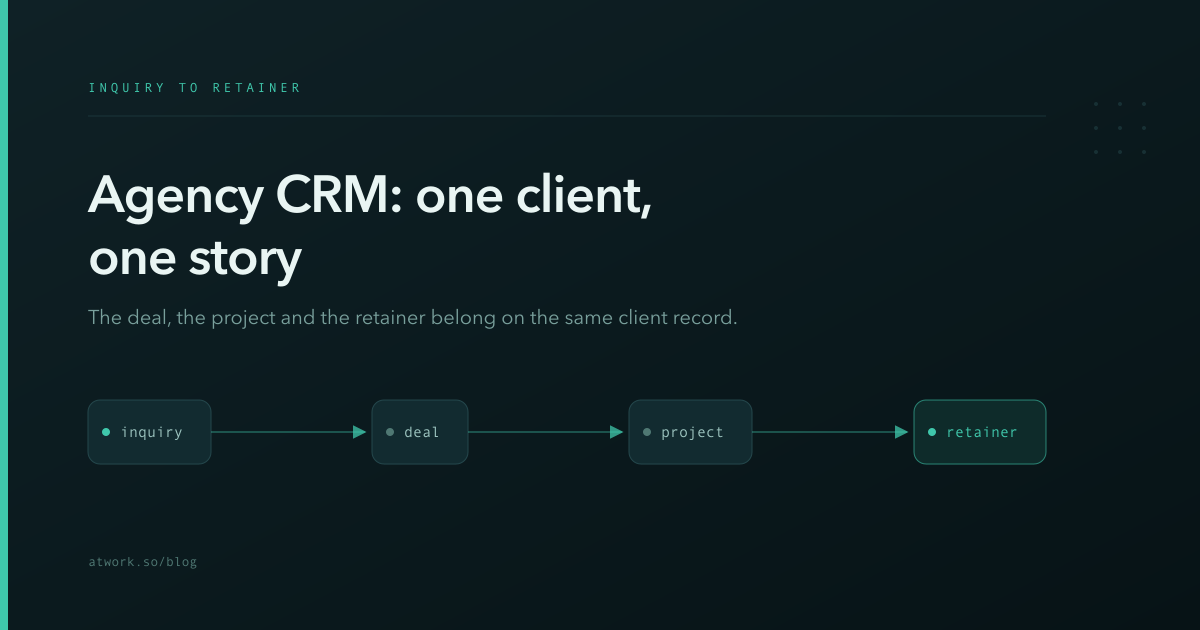
An agency CRM has to cover a lifecycle most sales tools cut short: the deal is only the beginning. An inquiry becomes a deal, the deal becomes a project, and — if delivery goes well — the project becomes a retainer. Most agencies run that arc across a sales tool, a project tracker and an invoicing spreadsheet, and lose the client story in the gaps between them. This article covers how to keep new business, delivery and recurring revenue on one client record, why that changes the weekly numbers an owner actually looks at, and how Atwork's Agency CRM template sets it up in one install.
Why do agencies lose track of clients between tools?
Because each tool owns a fragment and none owns the client. The pipeline tool knows the deal value but not that delivery is two weeks late; the project tool knows the delay but not that a renewal conversation is scheduled; the spreadsheet knows the retainer amount but not who the day-to-day contact is. Every handoff between tools is a place where context — and margin — leaks.
For a ten-person studio, the cost isn't administrative. It's the upsell nobody proposed because the person who ran the deal never saw how happy the delivery client was. It's the scope conversation that happened two weeks late because the retainer spreadsheet and the project board disagreed about what was included. It's the founder spending Sunday evening reconciling three tools into one number for Monday's meeting.
There's a structural reason agencies hit this harder than product companies: agency revenue is relationships in three states at once. The same client can be a live project, an active retainer and an open upsell deal simultaneously. Tools that model one state each guarantee the full picture exists nowhere.
What does an agency CRM need?
Three connected sheets: Deals (Lead → Proposal → Negotiation → Won/Lost, with value and service type), Projects (Kickoff → In Progress → Review → Delivered, linked back to the deal), and Retainers (monthly value, scope, Active/Paused/Ended). All three link to the client's contact record, which is the thread that makes them one story.
What the links buy you:
- Deal → Project — when a deal is won, the project inherits its context: budget, brief, who promised what.
- Client → everything — one record shows the deals, live projects and retainers for any client.
- Pipeline vs delivery vs recurring — three numbers every agency owner needs weekly, from one workspace: pipeline value, work in delivery, retainer MRR.
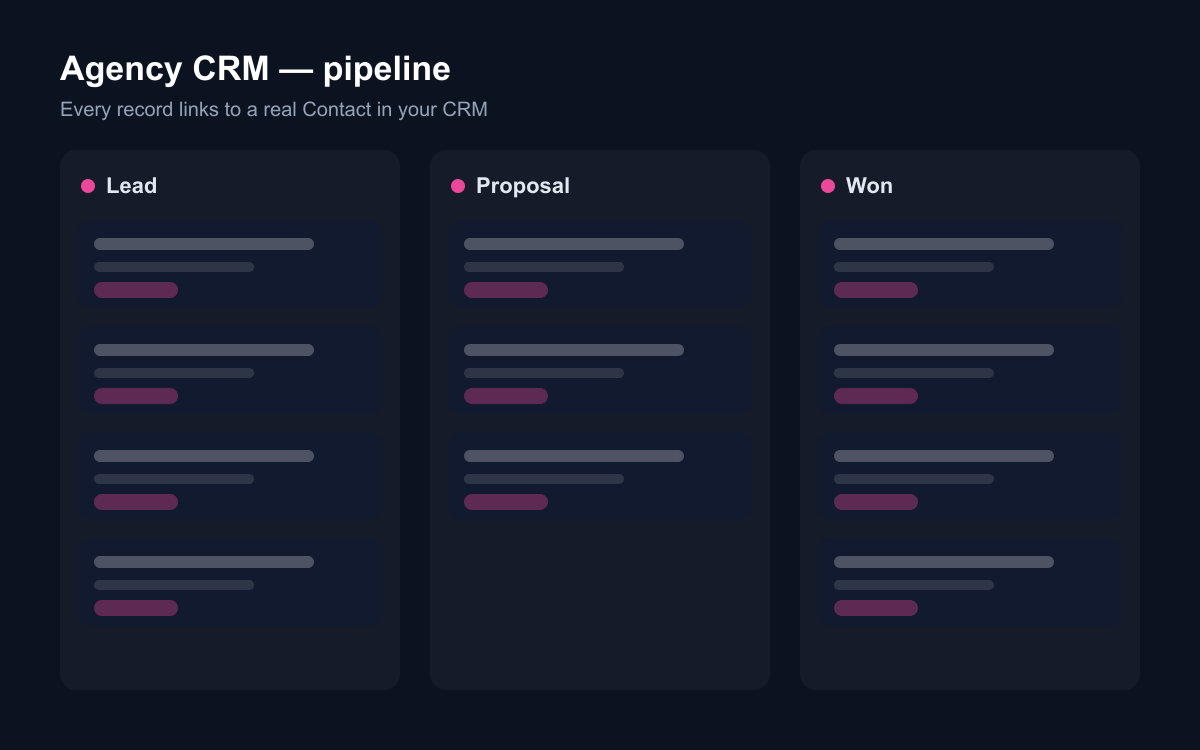
The service-type column on deals earns its place too. Six months in, it answers the positioning question every agency argues about from anecdote: which services sell — and which win rate justifies saying no to the work you shouldn't take.
How do website inquiries become deals?
Through a public Project inquiry form that writes straight into the Deals sheet. The template ships one: project title, name, company, email, the service they need, estimated budget, and a brief. Each submission arrives as a Lead with the brief attached — so the first internal conversation starts from what the client actually wrote, not a paraphrase.
No more inquiries ageing in a contact@ inbox: the form submission is already a pipeline row with an owner and a stage. The budget field does quiet filtering work as well — a stated range, even a rough one, sorts this-quarter conversations from someday conversations before anyone books a call.
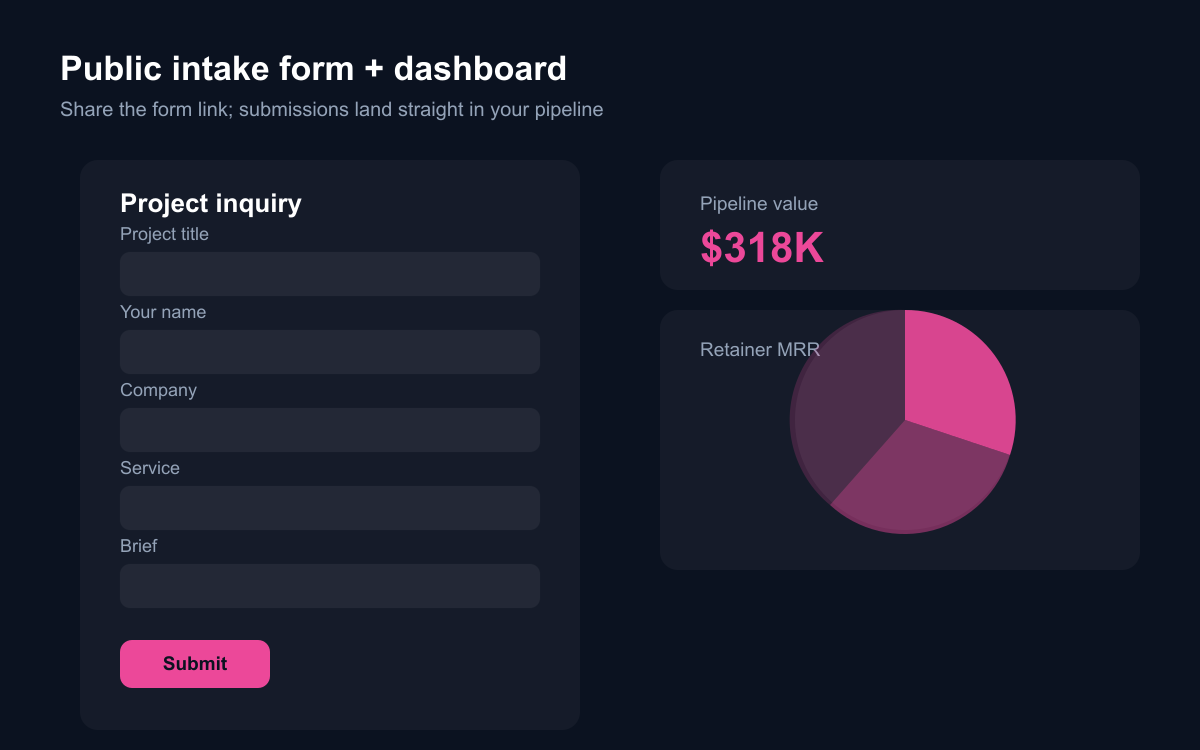
The brief field matters most six weeks later, when the proposal is being written. The client's own first description of the problem — unedited, in their words — is the most honest scoping document you will ever have, and in most agencies it's lost inside a forwarded email.
What happens after a deal is won?
The part most CRMs ignore: delivery and recurrence. In the Agency CRM, winning a deal means creating its Project — linked to the deal and the client — and running it Kickoff to Delivered in the same workspace. When the engagement stabilises into ongoing work, it becomes a Retainer with monthly value and scope.
Because the template is built on Atwork's CRM module, the client at the center is a real shared Contact. The person who signed the deal, approved the project and pays the retainer is one record — and client-facing work can surface in the customer portal without re-entering anything.
The Retainers sheet deserves more respect than it usually gets. Recurring revenue is what makes an agency sellable and its founders sleepable, yet in most shops it's tracked in the invoicing tool — visible to finance, invisible to the people making capacity and upsell decisions. Putting retainers next to deals and projects makes the recurring base a first-class number: you see MRR, you see which retainers are paused, and you notice when a retainer client's scope has quietly outgrown their fee.
What can AI do for an agency?
The weekly assembly work, mostly. With Atwork's assistant or a custom agent over these sheets:
- Draft the Monday pipeline summary: what moved, what stalled, what closes this month.
- Summarise a client's whole relationship — deals, projects, retainer scope — before a check-in call.
- Flag proposals that have had no movement in two weeks.
- Answer "what's our retainer MRR, and which retainers are paused?" without opening a spreadsheet.
- List clients with a delivered project and no follow-up deal — the warmest new-business list an agency has.
The agent reads the same stages and values your team maintains, so the answers reflect the actual book, not last month's export. That last ask is the one with money in it: delivered-and-silent clients are where agency growth actually comes from, and no single tool could produce that list before, because it needs deals and delivery in one place.
How does the Agency CRM template work?
The template installs Deals, Projects and Retainers with relations wired, the public Project inquiry form, dashboards (pipeline value and stage/service mix; retainer MRR and status), a getting-started page, and sample rows you can skip. It requires the CRM module and activates it during install — that's what makes every client one shared contact across sales, delivery and billing conversations.
Where should you start?
Install Agency CRM, load your live deals and retainers — that's usually under an hour — and put the inquiry form on your contact page. Then run one week of Mondays from the dashboards instead of assembling numbers from three tools.
After that first week, ask the assistant for the delivered-and-silent list and send one honest check-in message from it. If that produces a single conversation, the system has paid for the setup afternoon — and the Sunday-evening reconciliation ritual is over either way.