A SaaS sales CRM has to model something classic sales tools don't: the deal isn't over when it closes — it starts renewing. Subscription revenue is a loop — demo, trial, negotiation, closed-won, then twelve months later the same customer decides again. This article covers what a B2B SaaS pipeline actually needs to track — opportunities, trials, renewals — why the retention side deserves the same pipeline discipline as new business, and how Atwork's SaaS Sales CRM template sets up the whole loop in one install.
Why is a SaaS pipeline different from classic sales?
Because the economics are recurring. A one-off sale can afford to forget the customer after the invoice; a subscription cannot — the majority of a SaaS customer's lifetime value arrives after the first close, one renewal at a time. A pipeline that ends at Closed Won is therefore modelling the smallest part of the revenue.
The trial stage is the second difference. In classic sales, evaluation happens in meetings; in SaaS it happens in your product, on the prospect's schedule, with usage you can observe. A trial is not a pipeline stage like the others — it has its own state (who's in, how many seats, is it converting) that deserves its own tracking rather than a note on the deal.
The practical consequence of both: your CRM needs a retention side — renewals with ARR and risk — and a trial side, each getting the same discipline as the new-business pipeline. Most small SaaS teams run the first pipeline well and the other two from memory.
What should a SaaS CRM track?
Three sheets: Opportunities (Lead → Demo → Trial → Negotiation → Closed Won/Lost, with MRR and plan), Trials (linked to the opportunity — seats, Active/Converted/Expired), and Renewals (per customer — ARR, Upcoming/In Discussion/Renewed/Churned, and a churn-risk flag). The champion on every opportunity is a contact record, which is what keeps the loop connected when the deal becomes a customer.
What each carries:
- Opportunities — the classic pipeline, with MRR so the dashboard shows weighted revenue, not deal counts.
- Trials — evaluation state: who's actually using it, how many seats, is it converting.
- Renewals — the book: every customer's ARR, when they decide again, and how worried you should be.
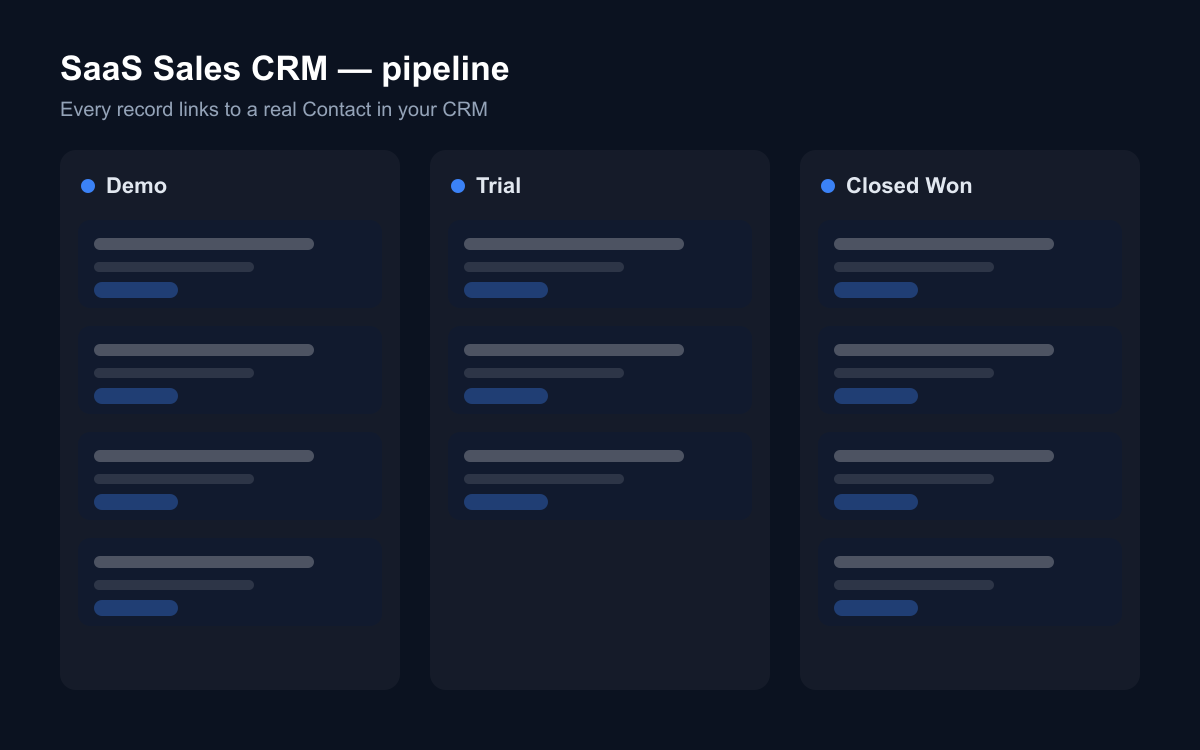
MRR on the opportunity rather than a generic "deal value" is a small choice with compounding returns: it makes the pipeline dashboard read in the same units as the renewals dashboard, so "what are we adding?" and "what are we defending?" are finally the same currency on one screen.
How do demo requests enter the pipeline?
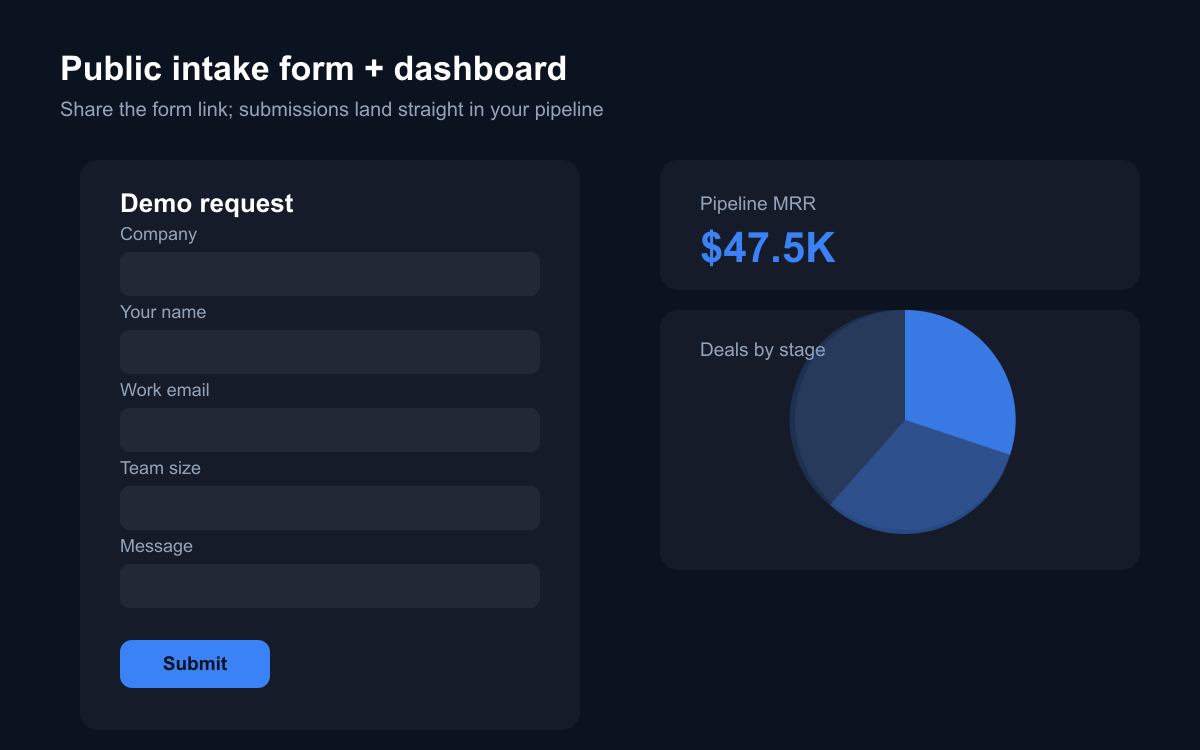
Through a public Demo request form that writes into Opportunities. The template ships one for your website: company, name, work email, team size, and what they want to see. Each submission lands as a Lead with the context attached, so the SDR follow-up starts from the prospect's own words — and nothing waits in an inbox.
Team size on the form is deliberate: it's the earliest honest signal of deal size you can collect without friction, and it lets you route the eight-person team and the hundred-thirty-person team differently from the first touch.
Speed is the other half. Demo requests decay by the hour — the prospect who filled your form is often filling two competitors' forms the same afternoon. A request that arrives as a pipeline row with a stage and an owner gets a same-day reply as a matter of process; a request in a shared mailbox gets one as a matter of luck.
How do you keep renewals from surprising you?
By giving them a pipeline. Every customer in the Renewals sheet carries a status and a risk flag (low/medium/high), and the renewals dashboard shows ARR by both. "Which renewals are in discussion, and how much ARR is high-risk?" becomes a glance, not a quarterly archaeology project.
The risk flag is doing the real work, and it only works if it's maintained honestly. A useful convention: any customer whose champion left, whose usage dropped, or who mentioned budget pressure gets flagged the day it's noticed — not at renewal time. The flag is cheap to set and expensive to skip; churn post-mortems almost always find a signal somebody saw months earlier and had nowhere to record.
Because the template is built on Atwork's CRM module, the champion who took the first demo and the contact on this year's renewal are the same record — the relationship history survives the handoff from sales to success, and the renewal conversation starts from the whole story rather than a billing row.
What can AI do for a SaaS sales team?
Pipeline hygiene and renewal vigilance — the work that's always important and never urgent. With Atwork's assistant or a custom agent over these sheets:
- Draft the weekly pipeline review: stage movement, new MRR, stalled deals.
- Summarise an account before a renewal call — original deal, trial history, plan, ARR.
- Flag opportunities sitting in Negotiation past 30 days, or trials expiring this week with no follow-up.
- Answer "how much ARR renews next quarter, and how much of it is flagged high-risk?" from live data.
- List closed-lost deals from six months ago on plans you've since improved — the re-engagement list.
Because stages, MRR and risk are structured columns, these are real answers — not summaries of a notes field. The expiring-trials check is the one to automate first: an expired trial with no follow-up is the purest form of revenue left on the table, and it's invisible in exactly the week it matters.
How does the SaaS Sales CRM template work?
The template installs Opportunities, Trials and Renewals with relations wired, the public Demo request form, dashboards (pipeline MRR and stage/plan mix; ARR under renewal by status and risk), a getting-started page, and sample rows you can skip. It requires the CRM module and activates it during install — that's what makes champions and customers durable contact records instead of names on deals.
Where should you start?
Install SaaS Sales CRM, load your open deals into Opportunities, and — before anything else — fill the Renewals sheet from your billing list with honest risk flags. Most teams discover the pipeline was never the problem; the renewals nobody was watching were.
Then put the demo form on your site, and give the loop two weeks of honest upkeep: every trial tracked, every risk flag current. The first time the renewals dashboard changes a decision — a call moved up, a discount pre-empted, a champion re-engaged before the QBR — you'll have the argument for keeping it that way.