A recruiting CRM starts from a different premise than an applicant tracking system: the candidate matters longer than the vacancy. Applications close; people stay hireable. This article covers what a hiring pipeline actually needs to track — positions, applications, interviews — why anchoring all of it to a candidate contact record changes what your recruiting data is worth, and how Atwork's Recruiting CRM template sets the whole structure up in one install.
What's the difference between an ATS and a recruiting CRM?
An ATS tracks applications; a recruiting CRM tracks people. The distinction sounds cosmetic until a role closes: in an application-centric tool, the silver-medal candidate — the one you'd have hired if there were two openings — disappears with the vacancy. In a candidate-centric CRM they remain a contact with history, ready for the next opening.
For a small team this matters more, not less. You can't afford a sourcing function, so the candidates you already impressed are your cheapest future pipeline — and the only thing standing between you and reusing them is whether your tool remembered who they were and why you liked them.
There's a second difference worth naming: an ATS is built for compliance and volume, a CRM for relationships and speed. Most teams under fifty people need the second thing. If your hiring volume is a handful of roles a quarter, the overhead of a heavyweight ATS buys you little, and the relationship memory of a CRM buys you your next two hires.
What does a hiring pipeline need to track?
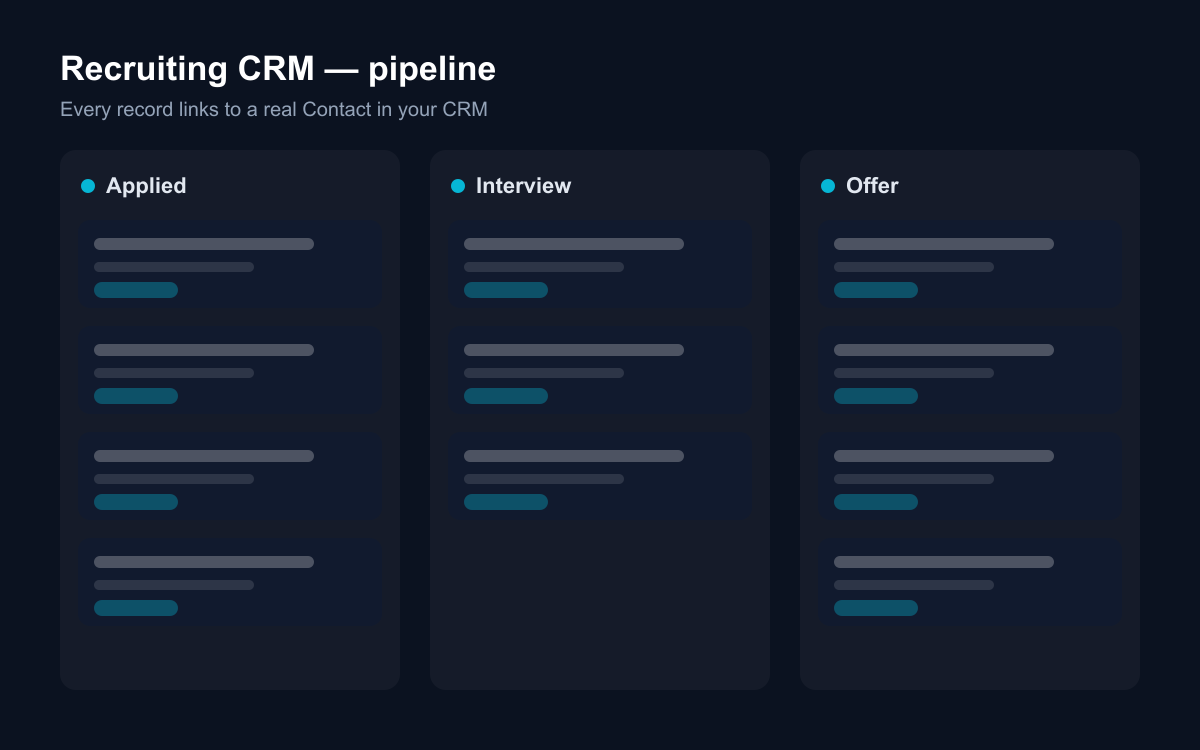
Three sheets cover a real hiring operation: Positions (the roles — department, location, Open/On Hold/Filled), Applications (the pipeline — Applied → Screening → Interview → Offer → Hired, with source tracking), and Interviews (each round — phone screen, technical, culture, final — with notes and outcome). Applications link to both the position and the candidate; interviews link to the application.
The links do the work:
- Per position — how many candidates at each stage, and whether this role is actually moving or quietly stalled.
- Per candidate — every application and interview they've ever had with you, in one place.
- Per source — which channel produces hires rather than volume: referrals, job boards, LinkedIn, inbound.
Source tracking deserves a sentence of its own, because most teams collect it and never use it. The question that matters is not "where do applications come from?" but "where do hires come from?" — and those two lists usually look very different. A job board that produces eighty applications and no offers is a time cost, not a channel. You only see that when source is a column on the pipeline, not a guess.
How do applications get into the pipeline?
Through a public application form, straight into the Applications sheet. The template ships a Job application form you can link from your careers page: full name, email, the role they're applying for, a CV or LinkedIn link, a cover letter, and how they heard about you. Each submission arrives as Applied, in the same sheet your team already works in.
This removes the worst recruiting failure mode — applications living in an inbox nobody owns. A form submission is a pipeline row from the second it exists: assignable, filterable, visible on the hiring dashboard. The candidate who applied on Friday night is at the top of the Applied column on Monday, not on page three of a shared mailbox.
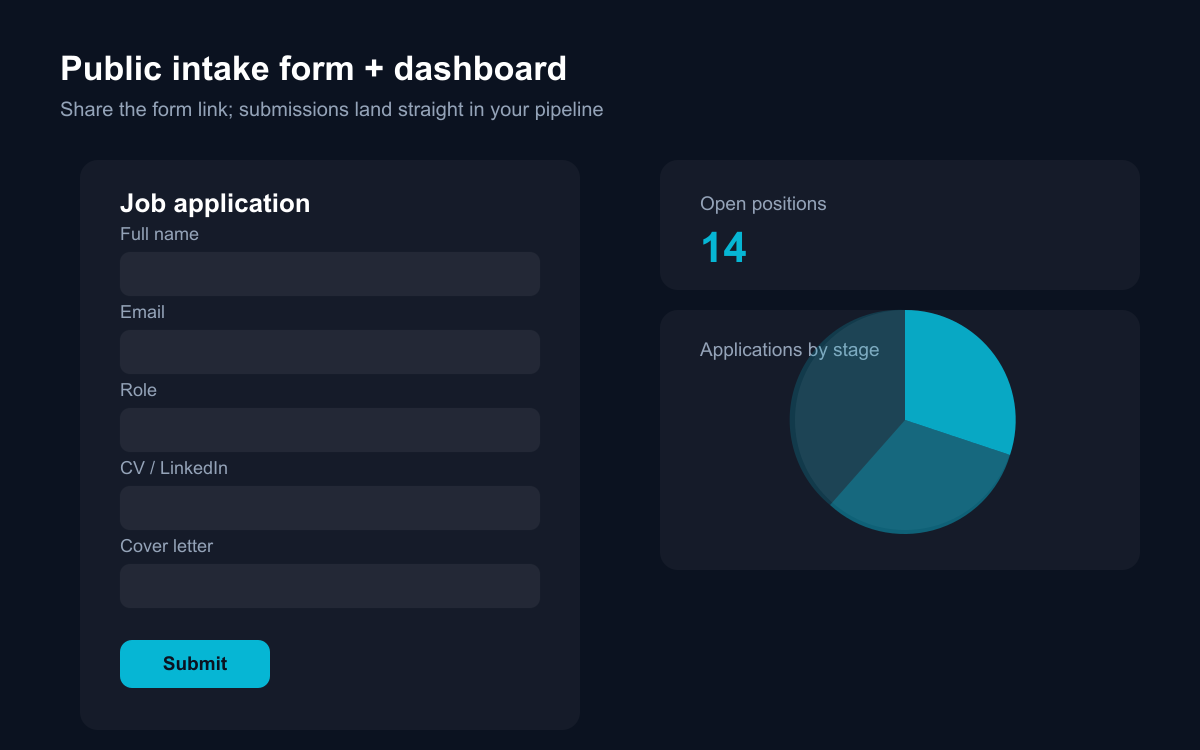
The form also standardises what you capture. When every application arrives with the same fields, screening becomes comparison rather than archaeology — and the awkward "can you resend your CV?" email disappears, which candidates notice.
What happens when a candidate applies twice?
In most tools: a duplicate. In a contact-based CRM: a richer record. When you pick up an application in Atwork, you link it to the candidate's Contact — and because the Recruiting CRM template is built on the CRM module, that contact is shared workspace-wide. The person who interviewed for a backend role last year and applies for a platform role today is one record with two applications, both interview histories intact.
That is what makes honest rejection feedback and re-engagement possible: "we liked you for X, this role is closer to Y" requires remembering X. It's also what makes the six-month-later message — "a role just opened that fits what you were looking for" — a two-minute task instead of an act of heroic memory.
Interviews compound the same way. Each round lives in the Interviews sheet with its type, outcome and notes, linked to the application. When the final-round debrief happens, the phone-screen notes are attached to the same thread — so the decision draws on the whole process, not on whoever has the best recollection.
What can AI do for recruiters?
The screening grunt-work and the memory-keeping. With Atwork's assistant or a custom agent working over these sheets, practical asks look like:
- Summarise this application — CV link, cover letter, source — into three lines before a phone screen.
- Draft a rejection note that references the actual interview feedback, not a form letter.
- List everyone who reached Interview or later for engineering roles in the last year — the shortlist for a new opening.
- Flag applications that have sat in Screening for over a week.
- Pull Monday's hiring standup: interviews scheduled this week, offers outstanding, roles with no new candidates in fourteen days.
Structured data is what makes these useful rather than generic: the agent reads your stages, your notes, your sources — not a résumé pile. The difference shows most in the unglamorous asks. Nobody forgets to prepare for a final round; everyone forgets the application that's been in Screening for nine days. An assistant that watches the pipeline is worth more than one that writes job descriptions.
How does the Recruiting CRM template work?
The template installs Positions, Applications and Interviews with their pipelines and relations wired, the public Job application form, dashboards (applications by stage and source; positions by status and department), a getting-started page, and sample data you can skip at install time.
It requires the CRM module and activates it during install — that's what makes candidates real contacts rather than rows. The dashboards work from the first day: as your real applications replace the samples, the stage and source charts start showing your actual funnel, which is when the source conversation above stops being theoretical.
Where should you start?
Install Recruiting CRM, add your open roles to Positions, and put the application form link on your careers page — that much is an afternoon. Then run one full role through the pipeline honestly: every application logged, every interview linked, every rejection recorded with a reason.
And when you close that role, do the one thing an ATS never rewarded: spend five minutes linking the best non-hired candidates to contacts with a note about what impressed you. That list — three or four names with context — is the pipeline for the role after this one, and it's the asset a spreadsheet could never hold.