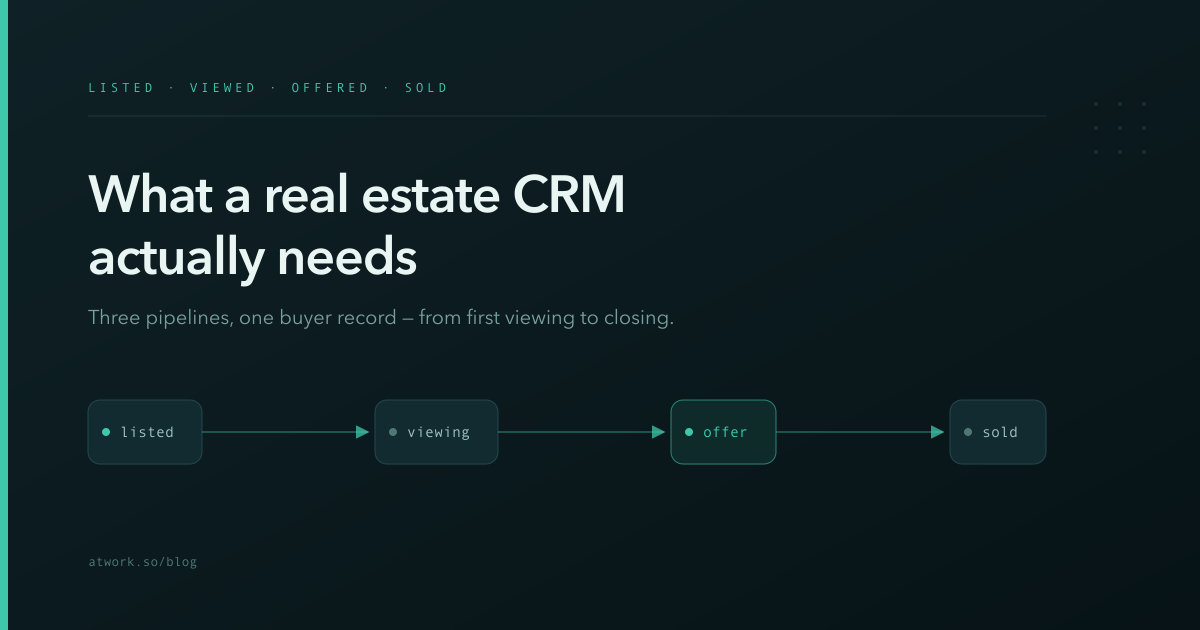
A real estate CRM is not a contact list with a "buyer" tag. It is three pipelines — properties, viewings, offers — that only make sense when they stay connected to each other and to the people behind them. Most agencies run those three pipelines in three tools: listings live in a portal, viewings live in someone's calendar, offers live in an email thread. Every deal that closes has survived that fragmentation, and some deals don't. This article walks through what a real estate CRM actually has to track, how viewing requests should reach your pipeline, what AI can genuinely take off an agent's plate, and how to get the whole structure in one click with Atwork's Real Estate CRM template.
Why do agents outgrow spreadsheets?
Spreadsheets fail real estate teams because a sale is not a row — it is a web. One buyer views three properties; one property collects four offers; one offer falls through and the runner-up needs a call today. A flat sheet can hold any one of those lists, but not the links between them, and the links are where deals are won.
The practical symptoms are familiar to anyone who has run a listing through a busy month. The same buyer exists in four tabs with three phone numbers. Nobody remembers which viewing feedback belongs to which listing, so the seller update call is guesswork. When a property's status changes to Under Offer, the other interested buyers hear about it a week late — or never, which means the backup offer that would have saved the deal was never invited.
There is also a quieter cost: handover. When an agent leaves or goes on holiday, a spreadsheet transfers data but not relationships. A CRM built on linked records transfers both, because the context — who viewed what, who offered what, who said what — is attached to the records themselves rather than living in one person's memory.
What should a real estate CRM track?
Three things, each with its own lifecycle: properties (Listed → Under Offer → Sold → Withdrawn), viewings (Requested → Scheduled → Completed → No-show), and offers (Submitted → Negotiating → Accepted → Rejected). The essential part is that viewings and offers both point at a property and at a person — so every record answers "which listing?" and "who?" without a search.
In practice that means:
- Properties carry the facts buyers ask about — type, price, bedrooms — plus the pipeline status your team plans the week around.
- Viewings carry the visitor's contact details, the property they saw, their preferred time, and the feedback that makes the seller call substantive.
- Offers carry the amount and the negotiation state, linked to the property and the buyer, so "what's live on this listing?" is one click.
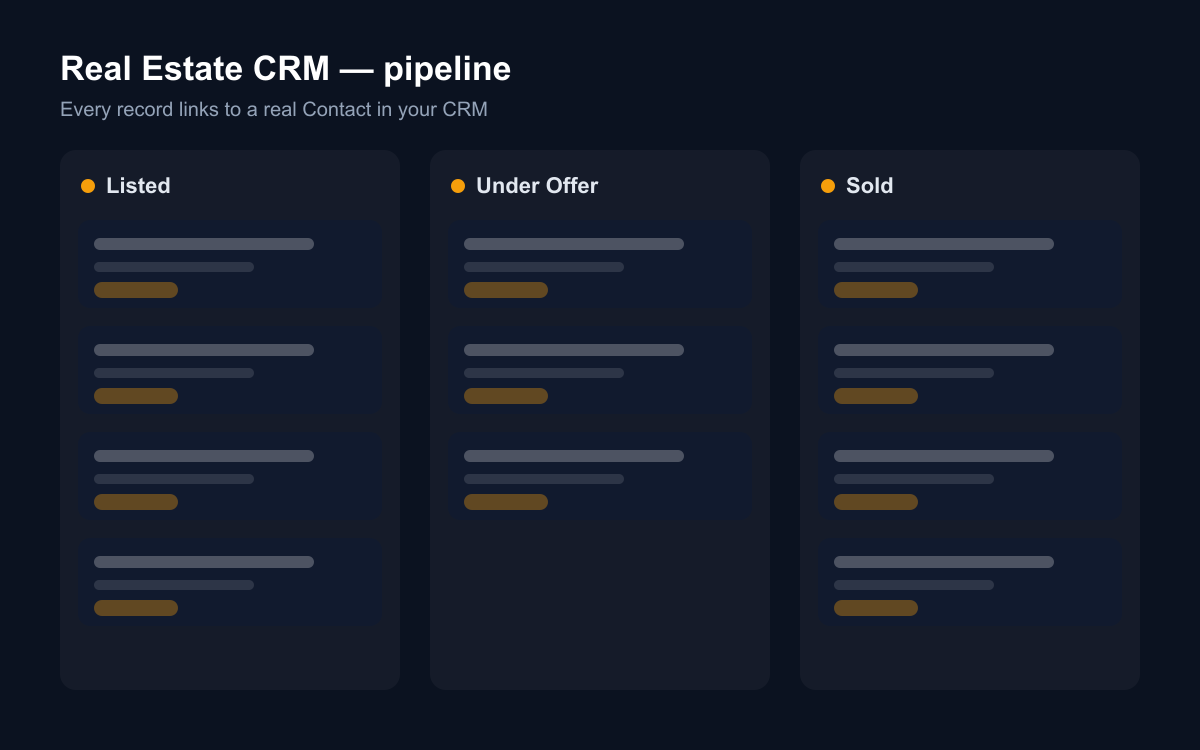
If your current tool can't show "all offers on this property" and "all viewings by this buyer" as two clicks, it is a list, not a CRM. That test is worth applying literally: open your tool and try both queries. The time it takes is the time you spend on every seller update and every negotiation, several times a week.
How do viewing requests reach your pipeline?
The fastest fix for a leaky top-of-funnel is a public form that writes straight into your viewings pipeline. In the Atwork template, the Viewing request form is shareable by link: put it on your website or under a listing, and each submission lands in the Viewings sheet as Requested — name, email, phone, the property they want to see, and their preferred time.
No copy-pasting from an inbox, no "did anyone reply to that enquiry?". The request is a row your team can schedule, assign and follow up — in the same place the rest of the pipeline lives. A request that arrives on Saturday evening is still sitting in the Requested column on Monday morning, visible to whoever opens the board first, instead of buried under forty newer emails.
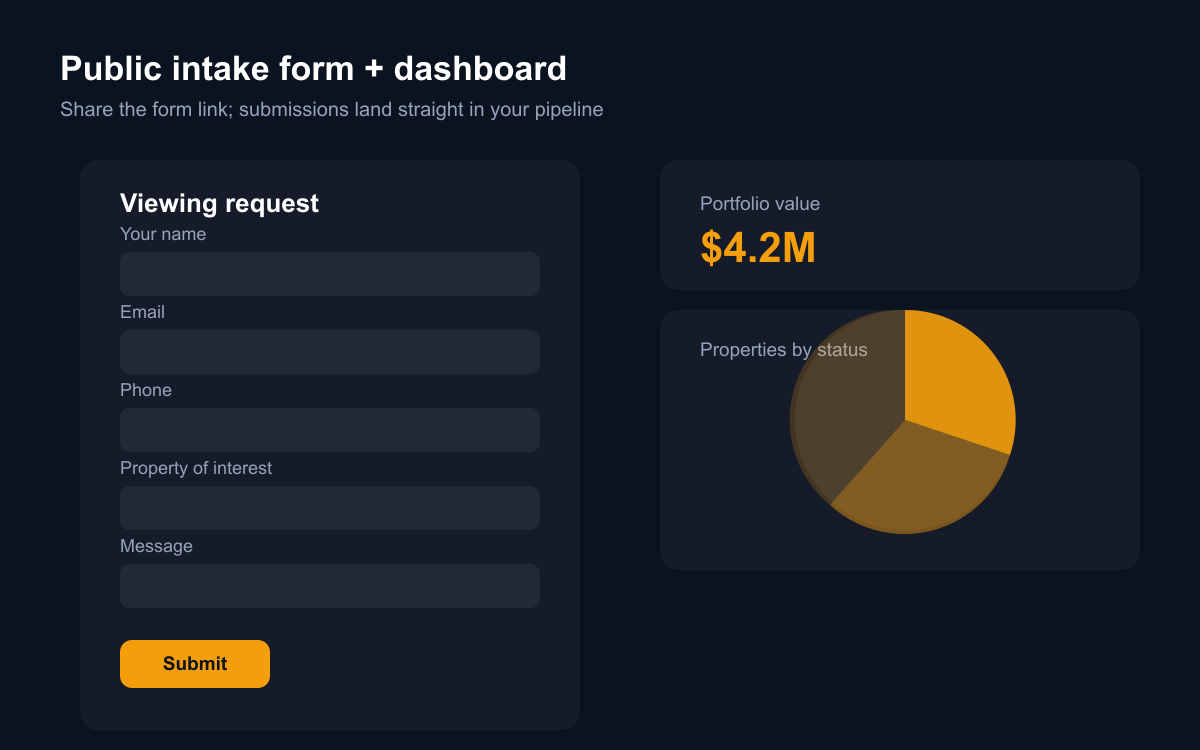
The form matters for a second reason: it standardises what you capture. Every inbound enquiry arrives with the same fields filled, which is what makes the follow-up rate measurable — you can see exactly how many requests became scheduled viewings, and how many were never touched.
Why should buyers be contacts, not rows?
Because the same person shows up more than once. The buyer who viewed a flat in March is the seller who lists a house in November. When buyers are real contact records — not text in a viewing row — every viewing, offer and conversation accumulates on one profile, and your CRM starts remembering relationships instead of transactions.
Atwork makes this structural: the Real Estate CRM template is built on the CRM module, so Prospect and Buyer columns link to your workspace's shared Contacts. Installing the template activates CRM if you don't have it yet, and every viewing or offer you link becomes part of that person's history — visible to anyone on the team, and usable by every other tool in your workspace that works with contacts.
This is also the difference between a database and a book of business. Five years of transactions in a spreadsheet is an archive. Five years of contacts with their viewing and offer history attached is the asset a real estate practice is actually built on — the list you call when the right listing appears.
What can AI do for a real estate team?
The honest answer: the repetitive half of the job. In Atwork you can ask the built-in assistant — or a custom agent you configure — to work directly on these sheets. A few examples that map to daily agency work:
- Summarise this week's viewing feedback for a property before you call the seller.
- Draft the follow-up message to everyone who viewed a listing that just dropped its price.
- Flag offers that have sat in Negotiating for more than a week.
- Answer "which buyers were interested in 3-bed houses under 500k?" from your own data.
- Pull a Monday morning list: viewings scheduled this week, offers awaiting a response, listings with no activity in fourteen days.
Because the data is structured — properties, viewings, offers, contacts — the AI is working with your actual pipeline, not a pile of notes. That is the practical difference between asking a chatbot about real estate and asking an assistant that can read your book: the second one answers with your listings and your buyers.
How does the Real Estate CRM template work?
The template installs a ready workspace: the three sheets with their pipelines and relations wired, the public Viewing request form, two dashboards (portfolio value and status mix; offer volume and stage), a getting-started page, and sample rows so nothing looks empty on day one. You can include or skip the sample data at install time.
It requires the CRM module — activation happens as part of the install, so contacts work from the first minute. The dashboards are live from the start too: as soon as your real listings replace the samples, portfolio value and the status mix reflect your actual book.
From install to first real record is minutes: add your listings to Properties, share the viewing form, and log the first offer when it comes.
Where should you start?
Start with the template rather than a blank workspace — the structure is the hard part, and it is already done. Install Real Estate CRM from the template gallery, put your five most active listings into Properties, and share the Viewing request form on one listing page this week. Then give it one honest week of use: log every viewing, link every buyer. The first time a request lands in the pipeline on its own — and the first seller call you make with the feedback already summarised — the spreadsheet era is over.