Atwork offers a variety of views to help you visualize and manage your data efficiently. Each view is designed to cater to specific workflows, allowing teams and individuals to adapt the platform to their unique needs. Here's an overview of the available views and their primary purposes:
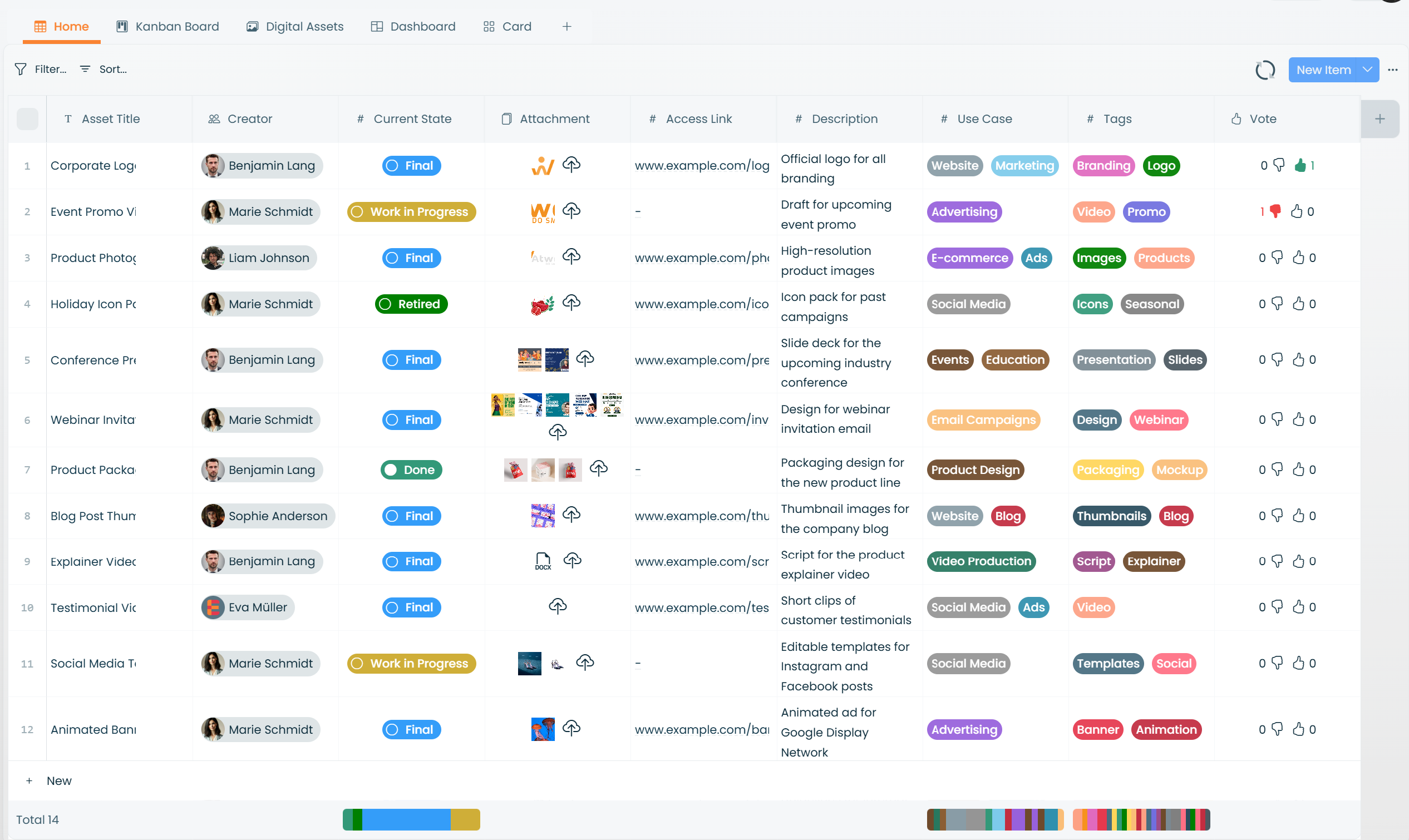
Table View
Ideal for organizing data in a spreadsheet format. It's perfect for creating and managing lists, tracking progress, and working with structured information like inventories or task databases.
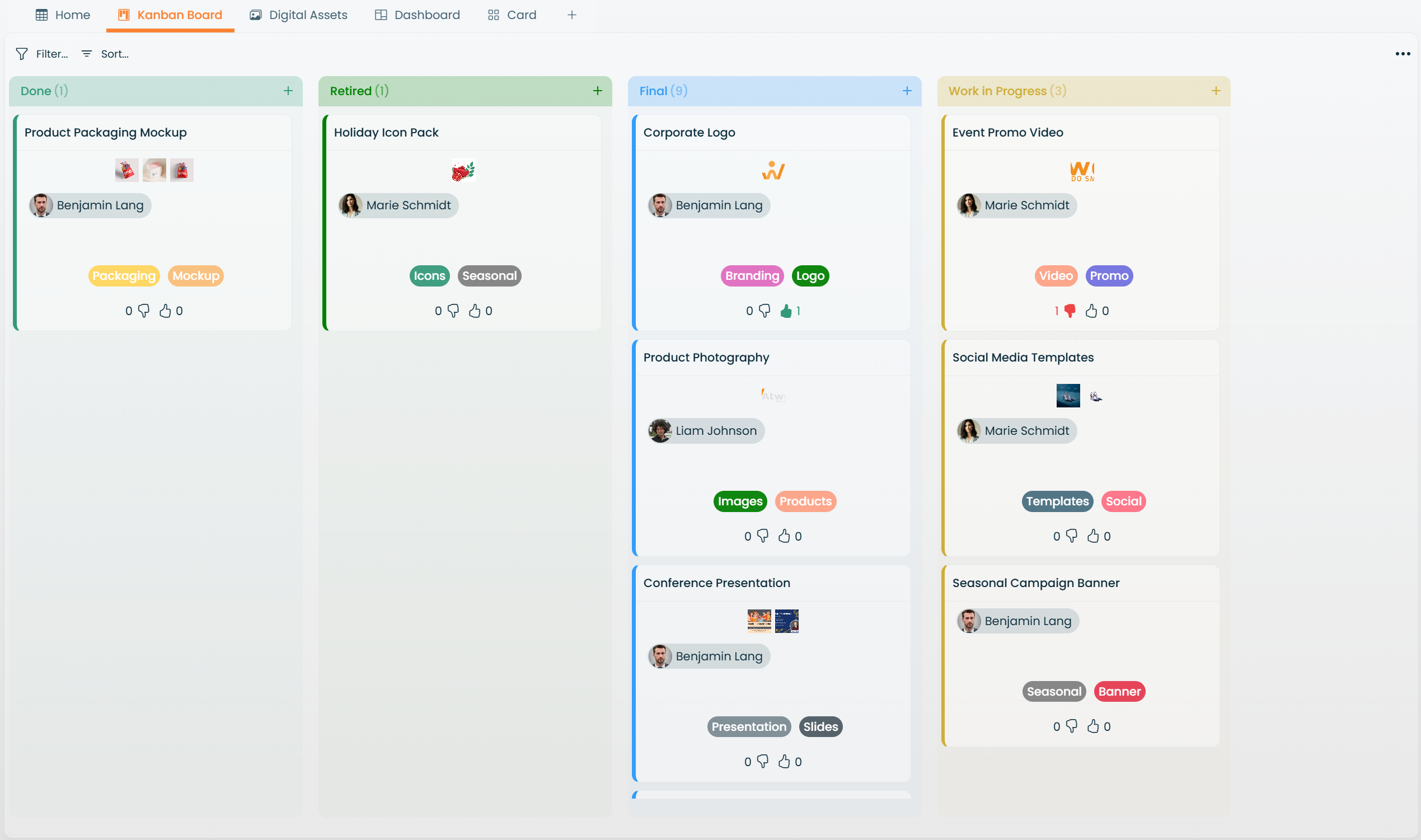
Board View (Kanban)
Designed for visual task management, this view is great for organizing workflows using columns and cards. It's widely used in agile methodologies and team-based task tracking.
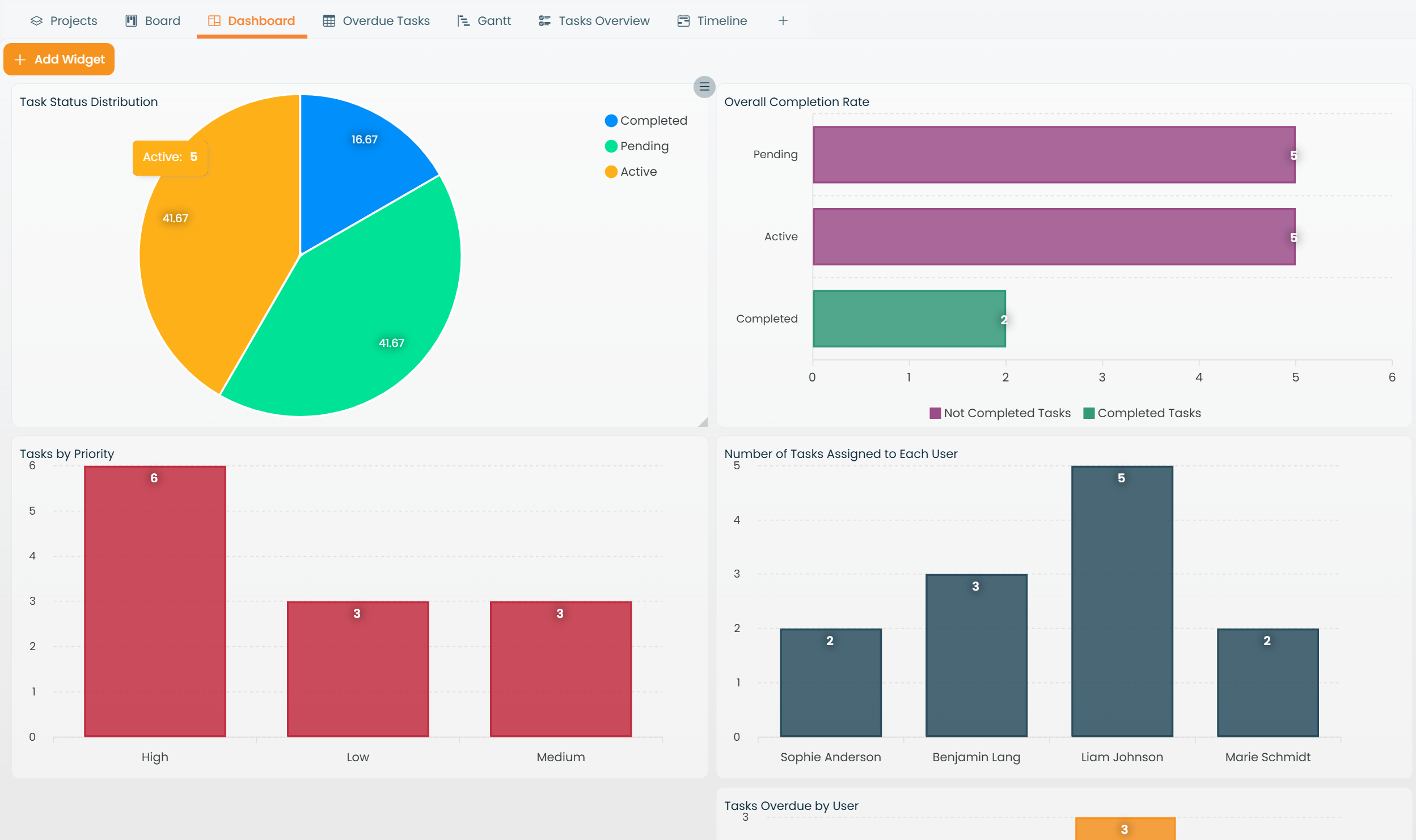
Charts View
Provides dynamic visualizations to analyze and present data. From line graphs to pie charts, this view helps you understand trends, measure performance, and make data-driven decisions.
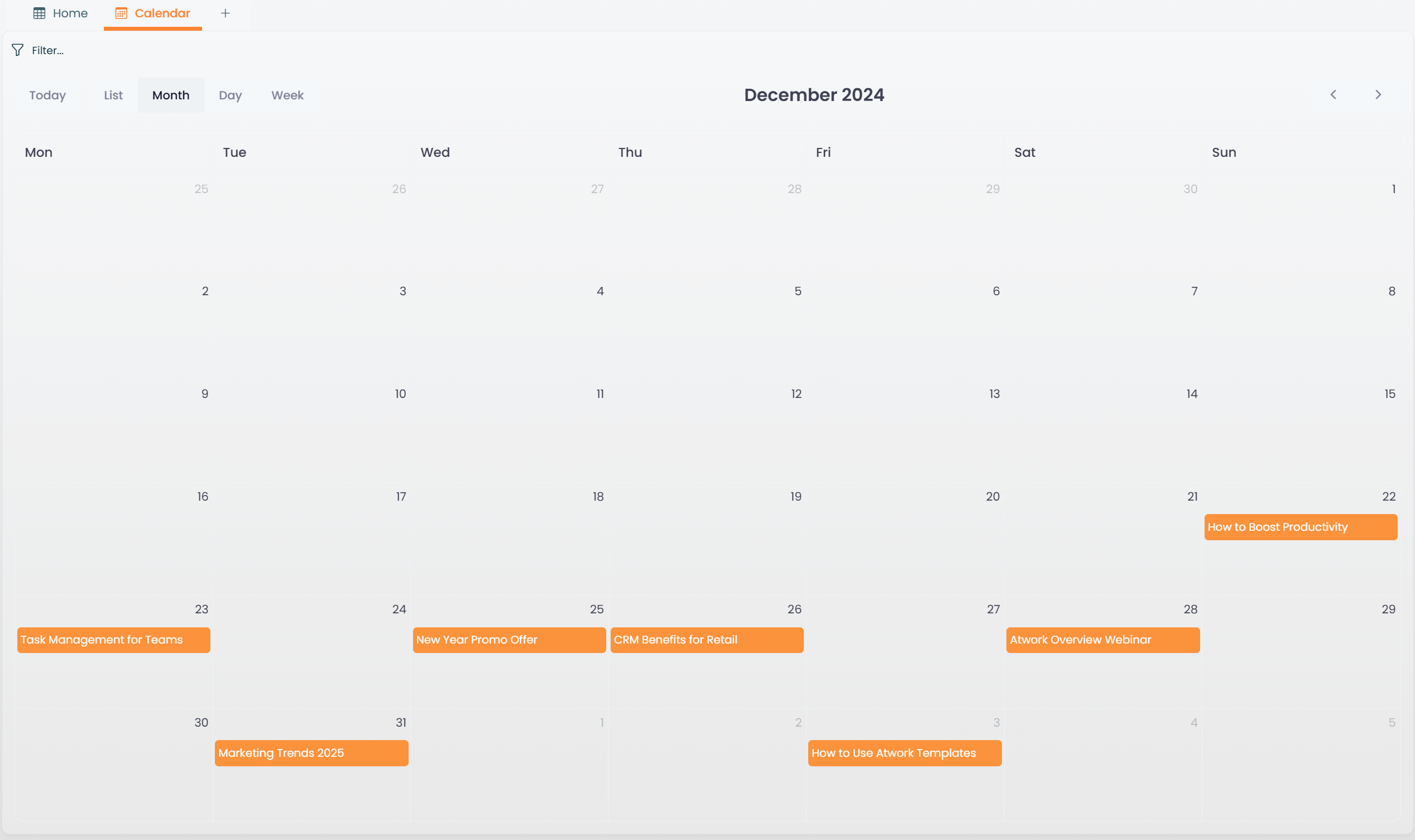
Calendar View
A calendar-based layout that helps schedule and manage tasks or events. It's particularly useful for tracking deadlines and ensuring timely completion of projects.
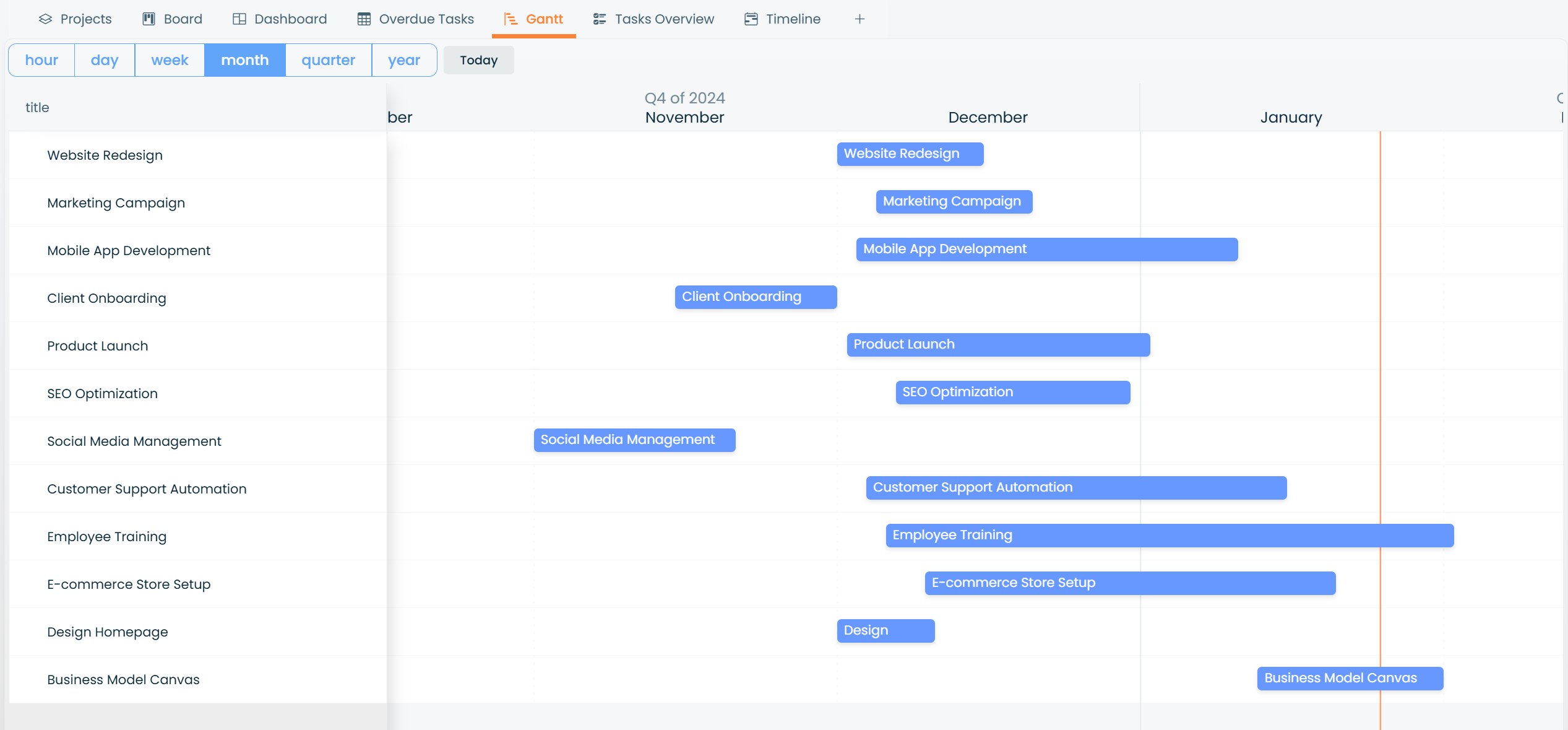
Gantt View
A timeline-focused view for planning and managing projects. This view is ideal for setting dependencies, tracking milestones, and ensuring projects stay on schedule.
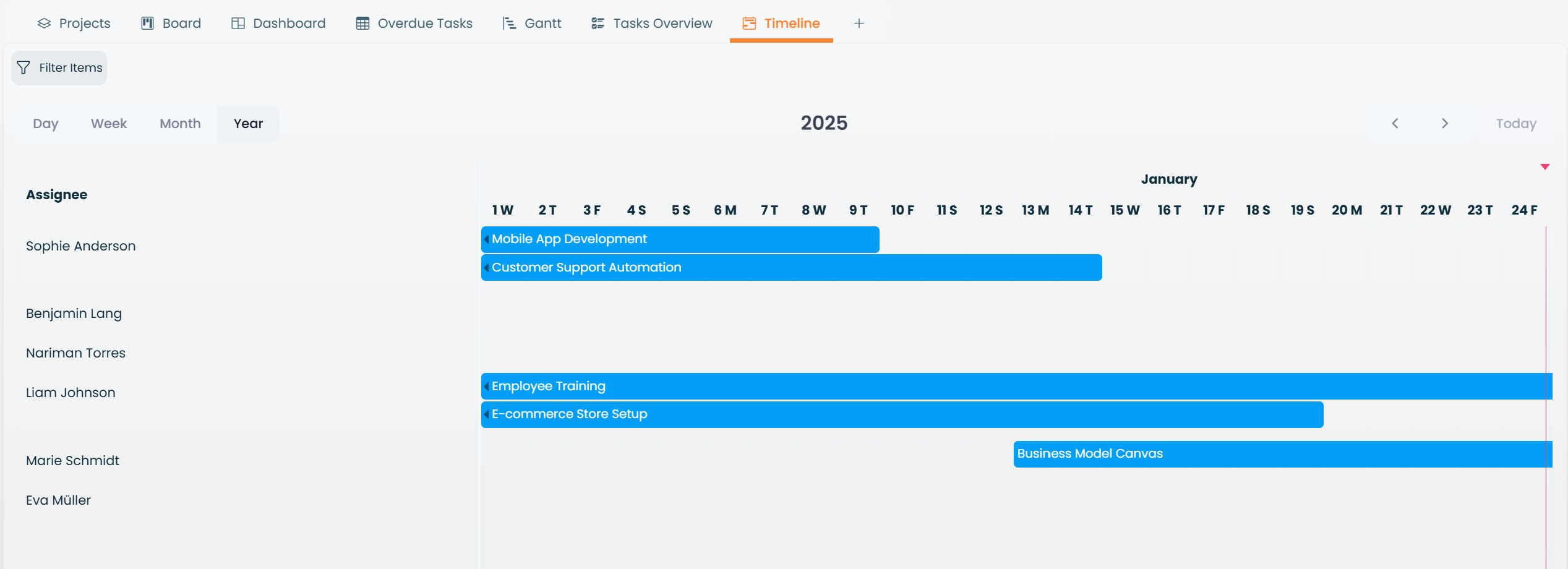
Timeline View
Displays tasks and events in chronological order, providing a clear overview of your project timeline or key events.
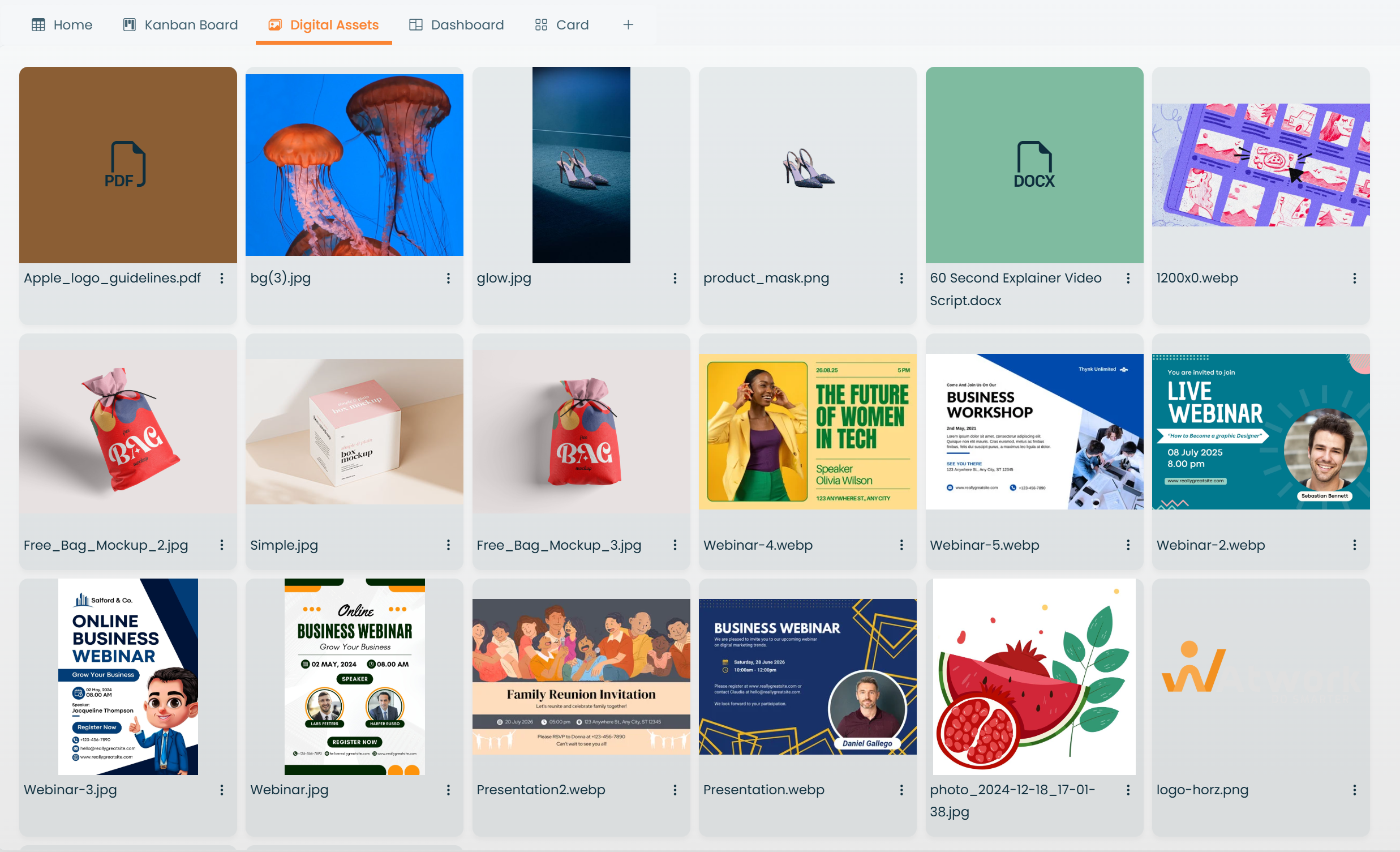
Gallery View
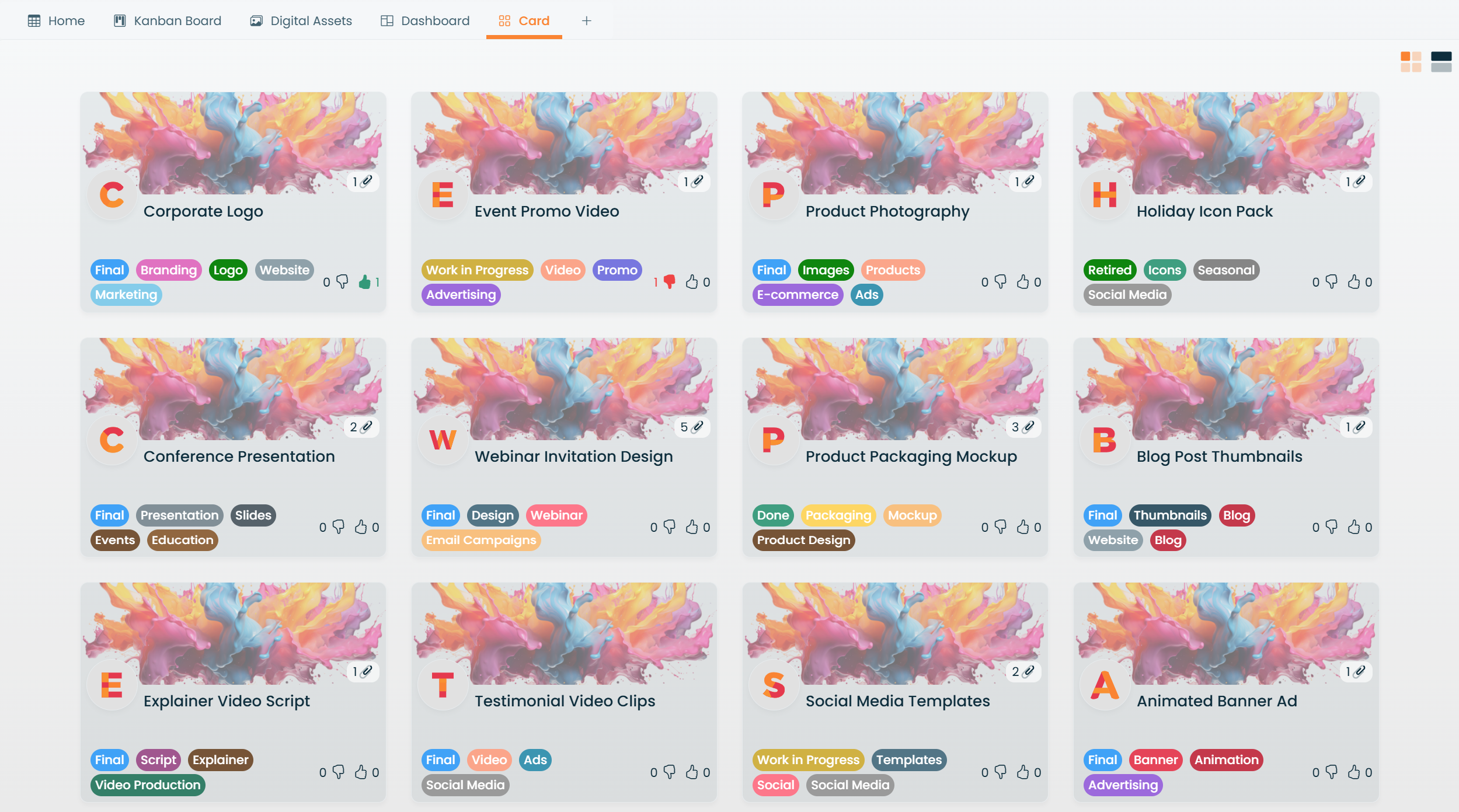
Perfect for showcasing visual content, such as product designs or creative assets. This view organizes items as image cards for easy browsing.
Peek View
Allows users to embed forms created in Form Studio for efficient data entry or quick updates. It's particularly useful for surveys, lead collection, or dynamic task creation.
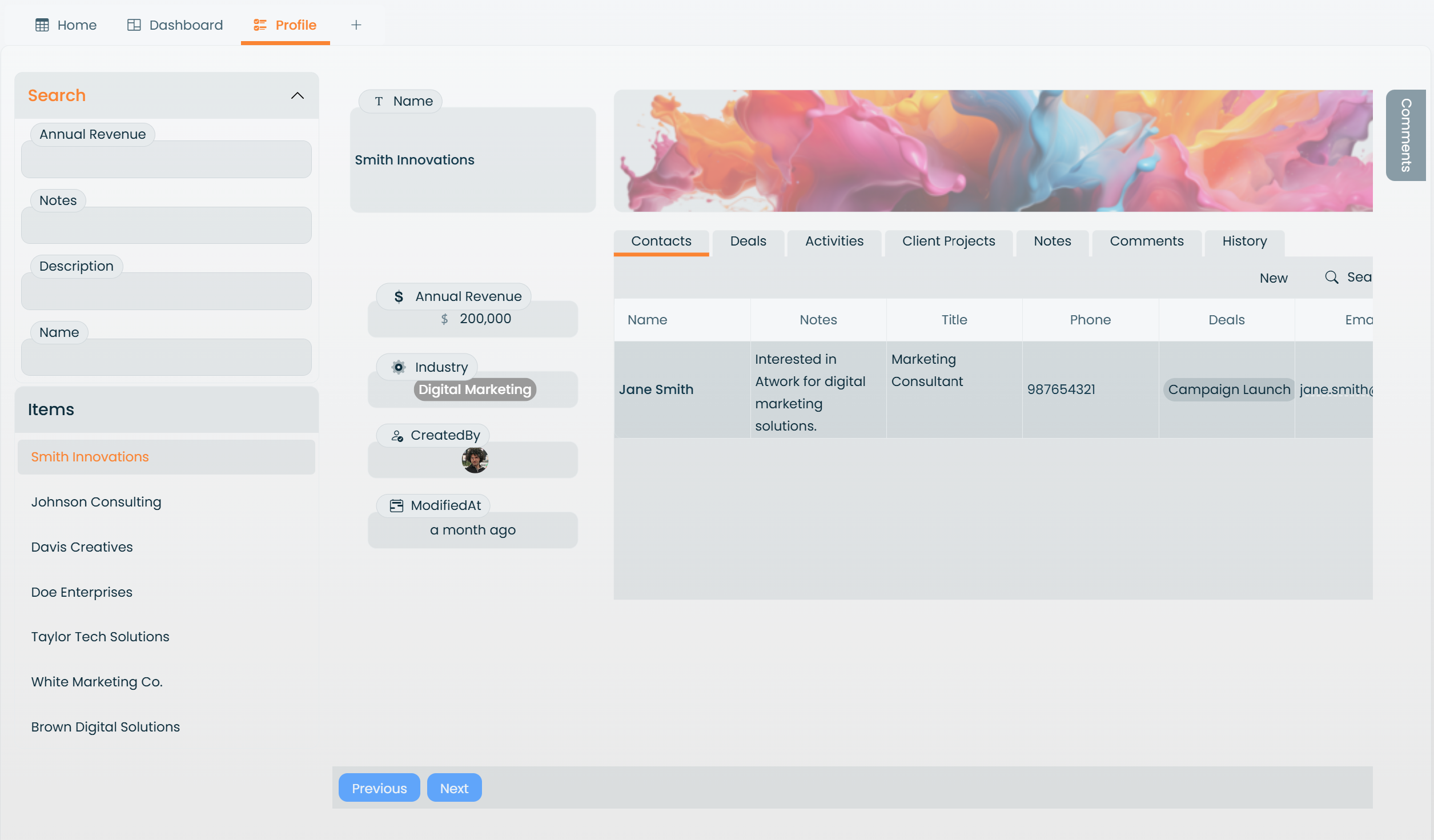
Card View
Focuses on individual items in a detailed, card-based format. This view is best for one-on-one task reviews or managing detailed entries.
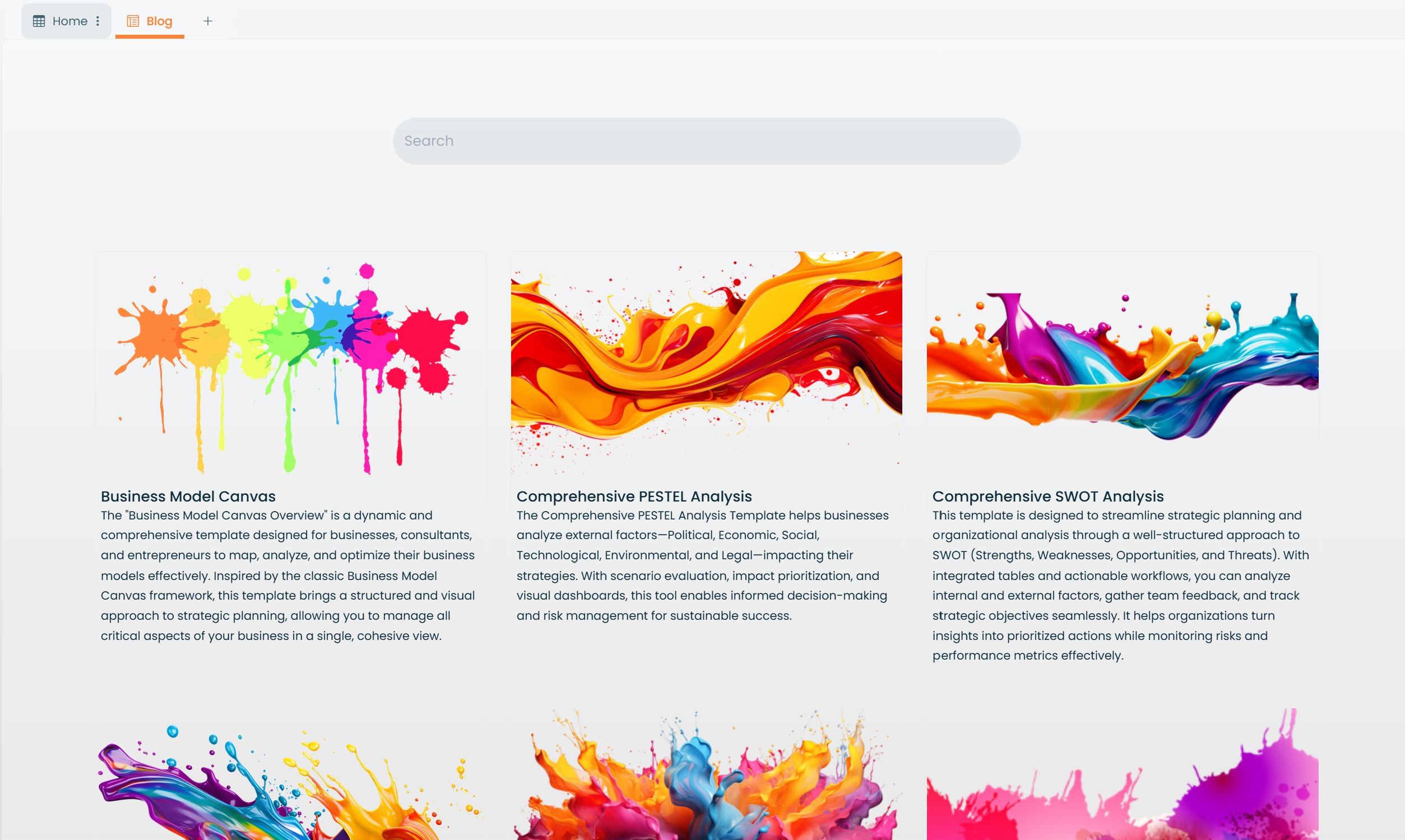
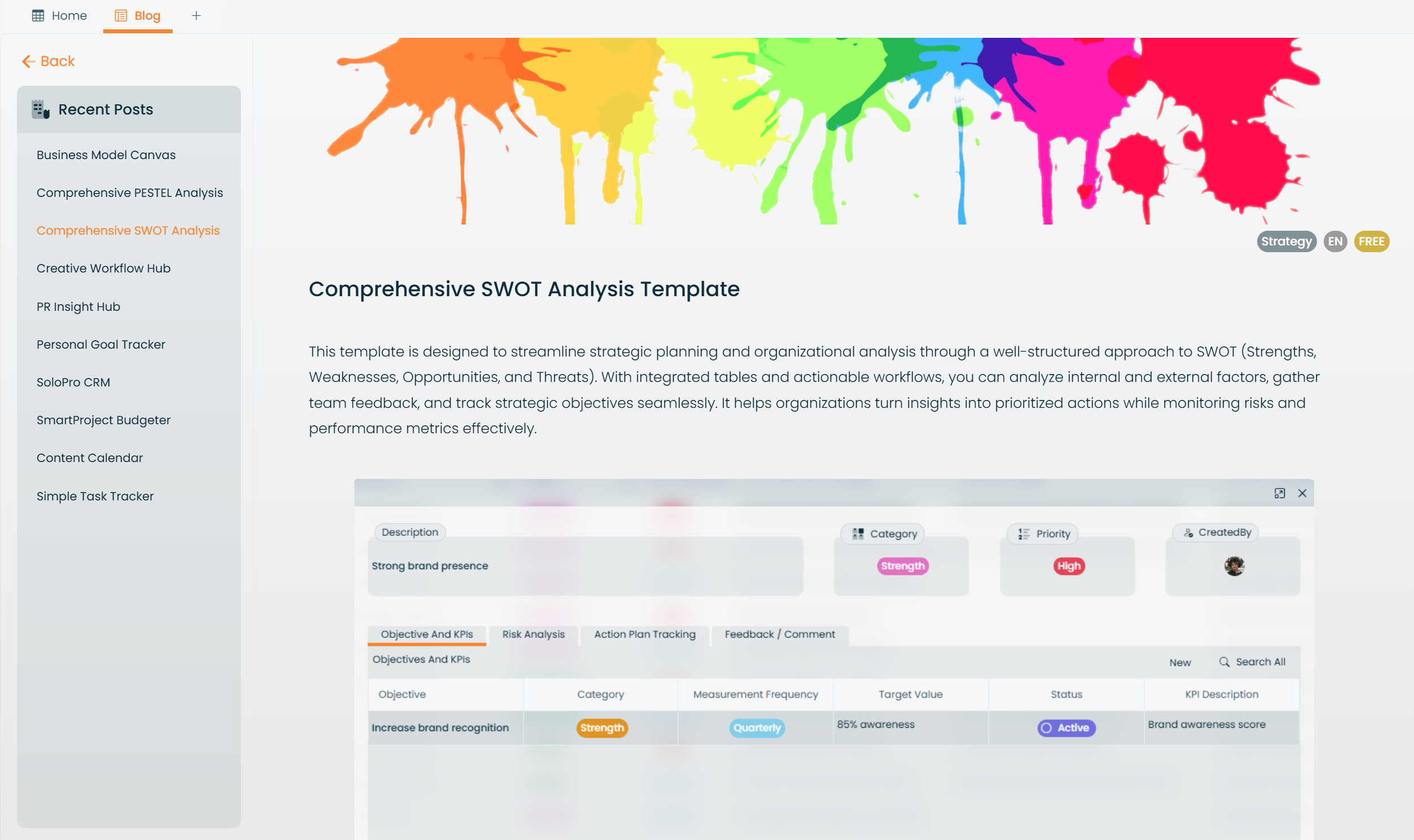
Blog View
Designed for creating and sharing updates, announcements, or content with your team or audience. It simplifies content management for internal or external communication.
By understanding these views, you can customize Atwork to fit your workflows, ensuring a smoother and more productive experience.