An insurance CRM has one job that generic sales tools get backwards: in insurance, the relationship outlives every transaction. A policy runs a year; a claim runs weeks; the client relationship runs decades — and renewals, referrals and cross-selling all live in that long arc. This article covers what a broker's CRM actually needs — policies, claims, quotes, one client record — why the single client record is the part that pays for everything else, and how Atwork's Insurance CRM template builds it in one install.
Why do brokers lose renewals?
Renewals are lost to scattered records, not to competitors' prices. When a client's auto policy lives in one system, their claim correspondence in an inbox, and their quote from last spring in a spreadsheet, no one sees the whole relationship — so the renewal call happens late, uninformed, or not at all. The broker who knows the client's full picture at renewal time usually keeps the business.
The pattern is worth spelling out because it never announces itself. No client calls to say they're drifting. What happens instead: the renewal date passes unnoticed, or the call happens but the broker doesn't know about the claim that was handled slowly, or the client mentions a life event — new house, new business — that should have triggered a coverage conversation months ago. Each miss is small; a book of five hundred clients accumulates them weekly.
The fix is structural, not motivational: one client record that everything else — policies, claims, quotes — hangs off, so the full picture is the default view rather than an assembly job.
What should an insurance CRM track?
Three pipelines around one contact: Policies (number, type, annual premium, Quote → Active → Lapsed/Cancelled), Claims (linked to the policy and claimant, Filed → In Review → Approved/Denied → Paid), and Quotes (inbound requests moving New → Sent → Follow-up → Won/Lost). Every one of them links to the client's contact record, so the record answers "what does this client hold, what's pending, what happened last?" instantly.
What each sheet carries:
- Policies — the book itself: policy number, type (auto, home, life, health, business), premium, lifecycle status.
- Claims — the moment of truth: amount, stage, details, tied to the policy it's against.
- Quotes — the funnel: what was quoted, to whom, and where the conversation stands.
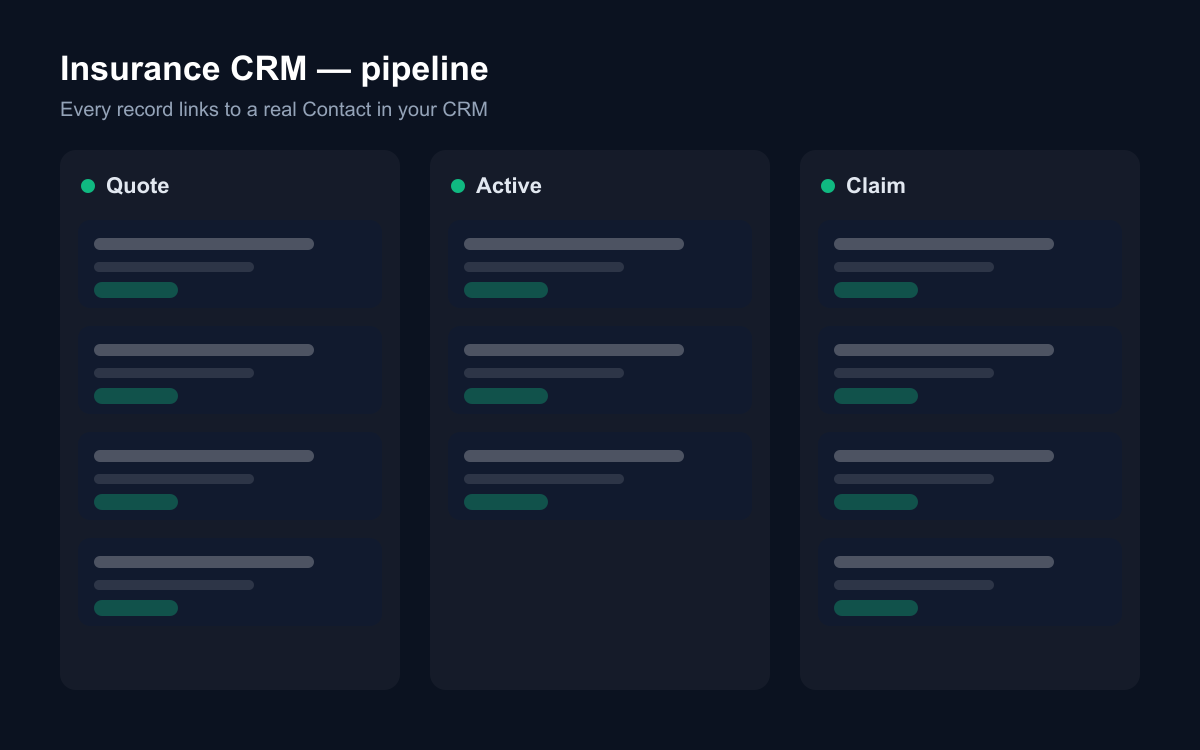
Notice what this structure makes visible that a policy-admin system doesn't: the gaps. A policy list shows what a client has; a client record shows what they don't have. The auto-only client with a new home, the business client with no liability cover — those conversations are the growth of a brokerage, and they only surface when the record is organised around the person.
How do quote requests become clients?
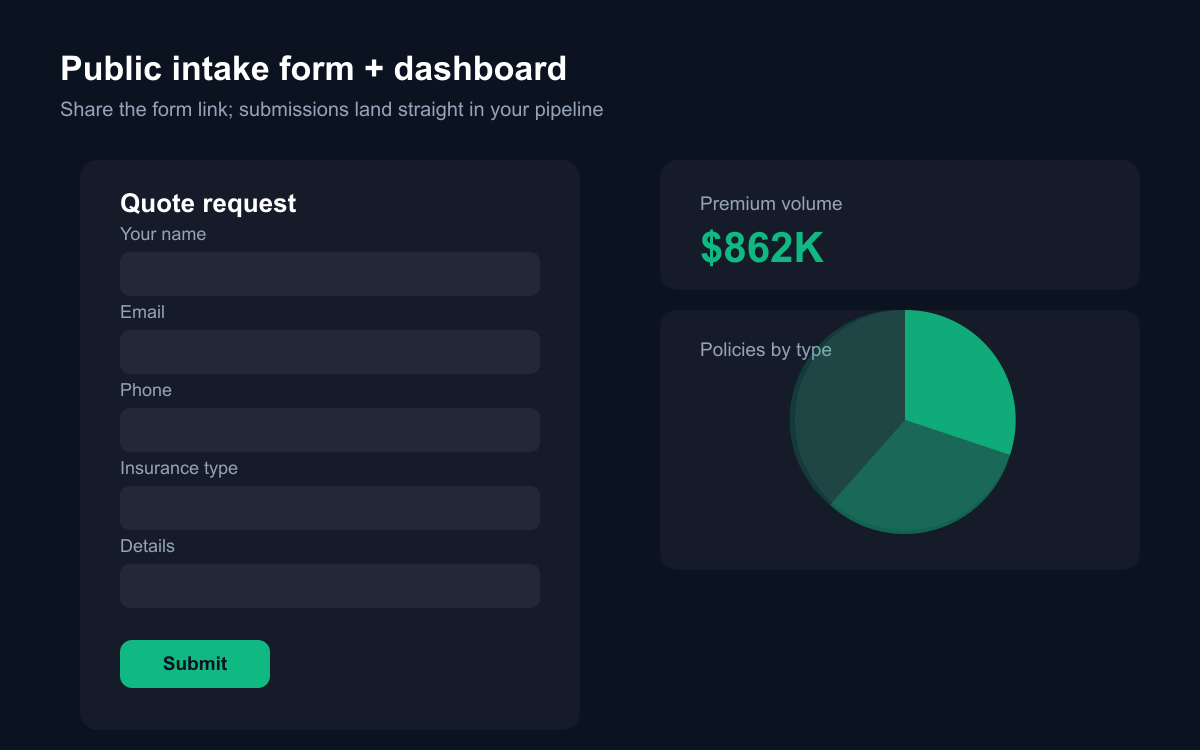
Through a public quote form that writes directly into the Quotes pipeline. The template's Quote request form goes on your website: name, email, phone, the type of cover, and what they want covered. Submissions land as New in the Quotes sheet — not in an inbox — so follow-up is a pipeline stage, not a memory test.
Speed matters more here than almost anywhere else in the funnel. A quote request is a person actively shopping; the first broker to respond usually gets the conversation. A request that lands as a pipeline row with a status is a request someone owns by Monday morning. A request that lands in a shared mailbox is a coin flip.
When a quote is won, the client's contact record and the new policy are two clicks away, and the whole history — first request, quoted premium, conversation — stays attached to the relationship rather than evaporating into an email thread.
Why does one contact record per client matter?
Because cross-selling and claims service both depend on context. The client with home and auto policies who files a water-damage claim should be recognised as a two-policy, eight-year client — not as claim number 1043. The Insurance CRM template is built on Atwork's CRM module: policyholders, claimants and prospects are all the same shared Contacts, so a client's policies, claims and quotes genuinely converge on one record.
That convergence changes two conversations. The claims conversation: whoever picks up sees the relationship, not just the incident, and handles it with the weight it deserves — claims handled well are the single strongest renewal argument a broker has. And the renewal conversation: you open one record and see the premium history, the claim that was resolved, and the life policy they asked about in March. That call is a review between people who know each other, not a cold re-quote.
It also future-proofs the practice. When a producer retires or a book is sold, contact records with attached history transfer a functioning set of relationships. Spreadsheets transfer names.
What can AI do for an insurance agency?
The assembly and the vigilance. With Atwork's assistant or a custom agent over these sheets:
- Summarise a client's full position — policies, premiums, open claims — before a renewal call.
- Draft the follow-up on quotes that have sat in Sent for ten days.
- Flag claims stuck in In Review beyond your service standard.
- Answer "which clients hold auto but not home?" — the cross-sell list — from your own book.
- Build the month's renewal briefing: who renews, what they hold, what's changed since last year.
None of this requires exporting data or building reports; the agent works on the same sheets your team updates. The renewal briefing is the one to start with — it turns the structural advantage of one-record-per-client into a repeatable monthly routine instead of a good intention.
How does the Insurance CRM template work?
The template installs Policies, Claims and Quotes with their pipelines and relations, the public Quote request form, dashboards (premium volume and policy mix; claim volume and stage), a getting-started page, and sample rows you can skip. It requires the CRM module and activates it during install — that's what makes every policyholder a real, shared contact rather than a name retyped in three sheets.
The dashboards give the principal the two views a brokerage runs on: how the book is composed (premium by type and status) and whether service is keeping up (claims by stage).
Where should you start?
Install Insurance CRM, and don't try to load the whole book on day one. Start with next quarter's renewals: enter those policies, link each to its holder's contact, and note anything pending. Put the quote form on your site the same week.
Then make one renewal call with the record open and the relationship summarised in front of you. The difference between that call and the one you made last month — assembled from memory and a mailbox search — is the whole argument for the system.