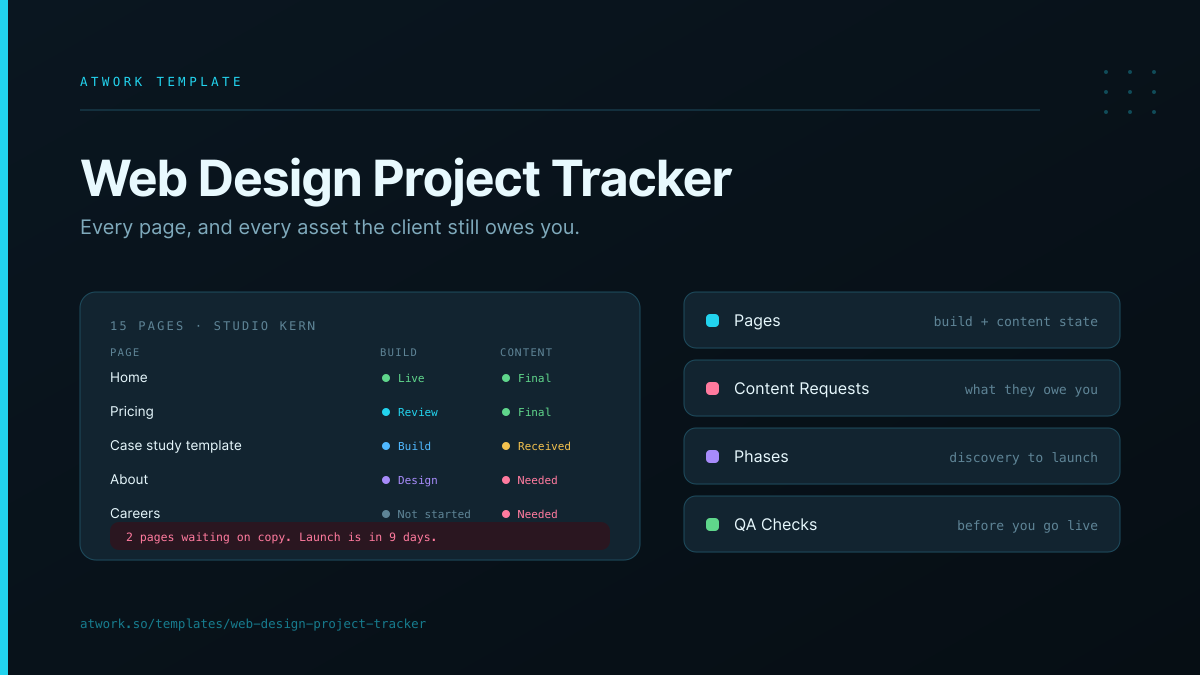
Web Design Project Tracker
Every page, and every asset the client still owes you
About this template
A web design project template built around the two things a generic project tracker cannot see: the site page by page, and the content the client still owes you.
What's inside
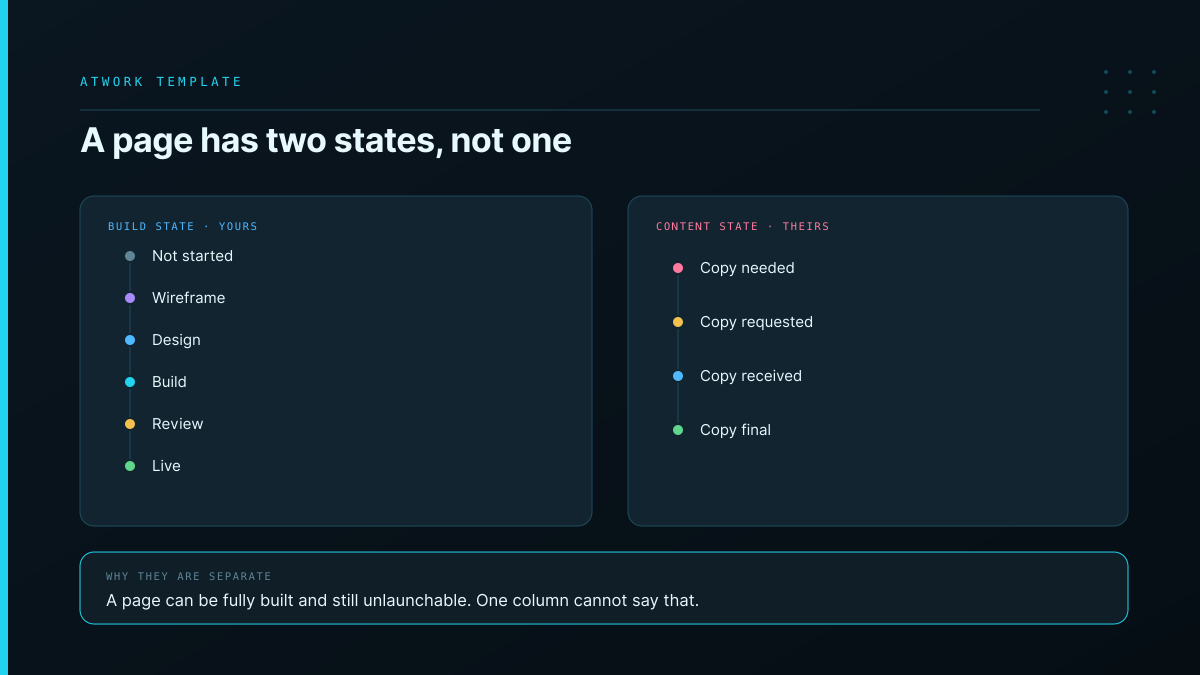
- Pages — one row per page, as a task. Each carries a build state (Not started → Wireframe → Design → Build → Review → Live) and a separate content state (Copy needed → Requested → Received → Final)
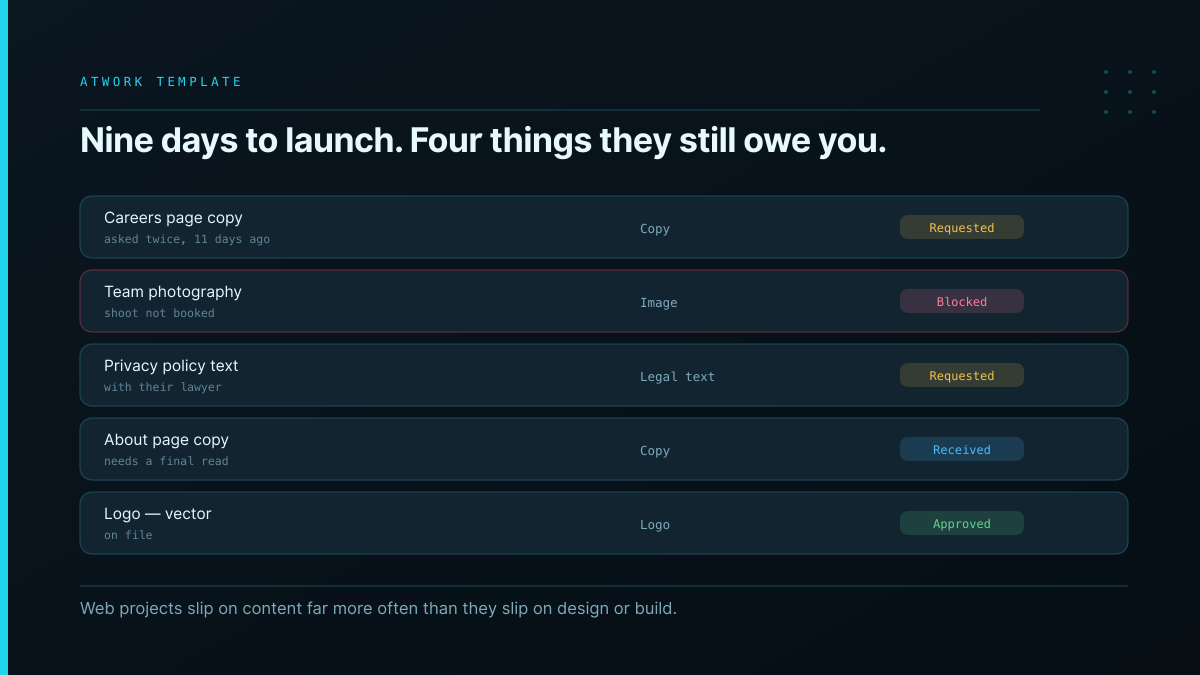
- Content Requests — the assets you are waiting on: copy, images, logos, legal text. Each is Requested, Received, Approved or Blocked, and names whose side it sits on
- Phases — discovery, IA, wireframes, design, build, QA, launch, in order
- QA Checks — responsive, accessibility, performance, cross-browser and content checks per page, each Pass, Fail or Not run
- Dashboards — pages by build state and content state, requests by state and asset kind
Why a page has two states: a page can be fully designed, fully built, and completely unlaunchable because nobody has sent the copy. One status column cannot express that, so teams either mark it Done and launch a page reading Lorem ipsum, or mark it In progress and hide the fact that all your work is finished. Two columns, and the report to the client writes itself: our side is done, here is what we need from you.
Why content collection is its own sheet: web projects slip on content far more often than they slip on design or build, and the slip is invisible in a task list because it is not your task. Tracking it as rows with states turns "we're waiting on some stuff" into a list you can send.
No module required, so it installs into any workspace. Pairs with Creative Production & Review for the approval rounds on each design, and Agency Client Delivery for the wider engagement.