Agency Resource Planning
See who is overbooked before the week starts, not after
About this template
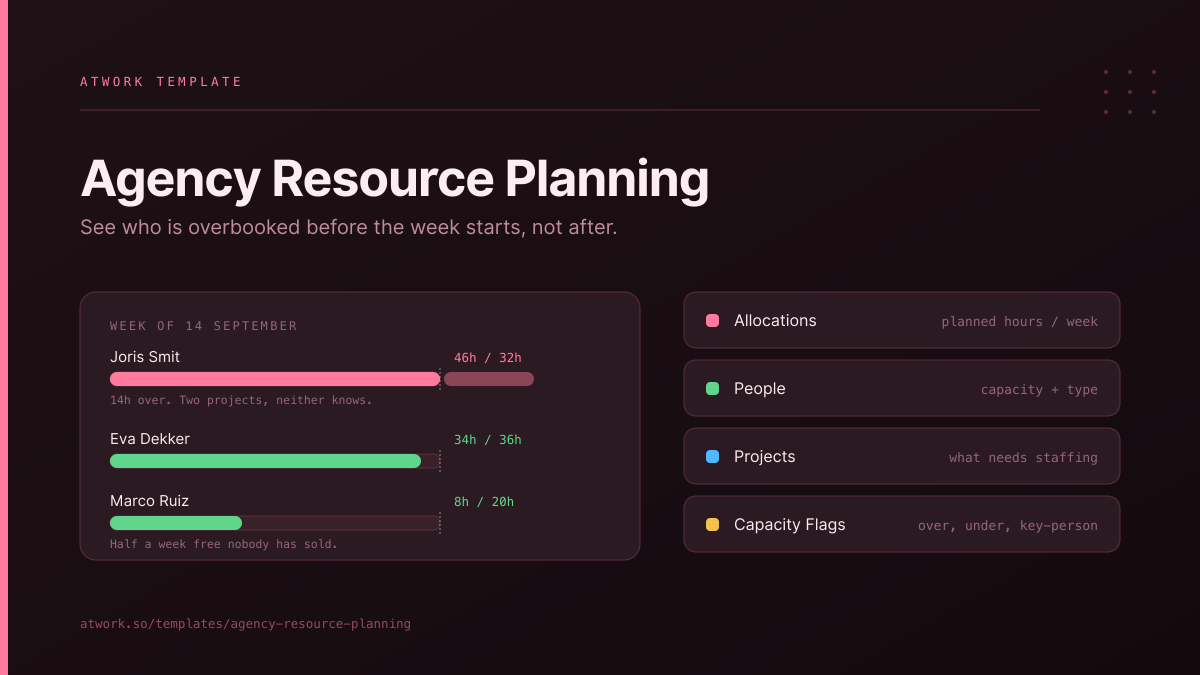
Capacity planning for agencies: who is booked on what next week, who is over, who is free, and whether the work you are planning around is actually real.
What's inside
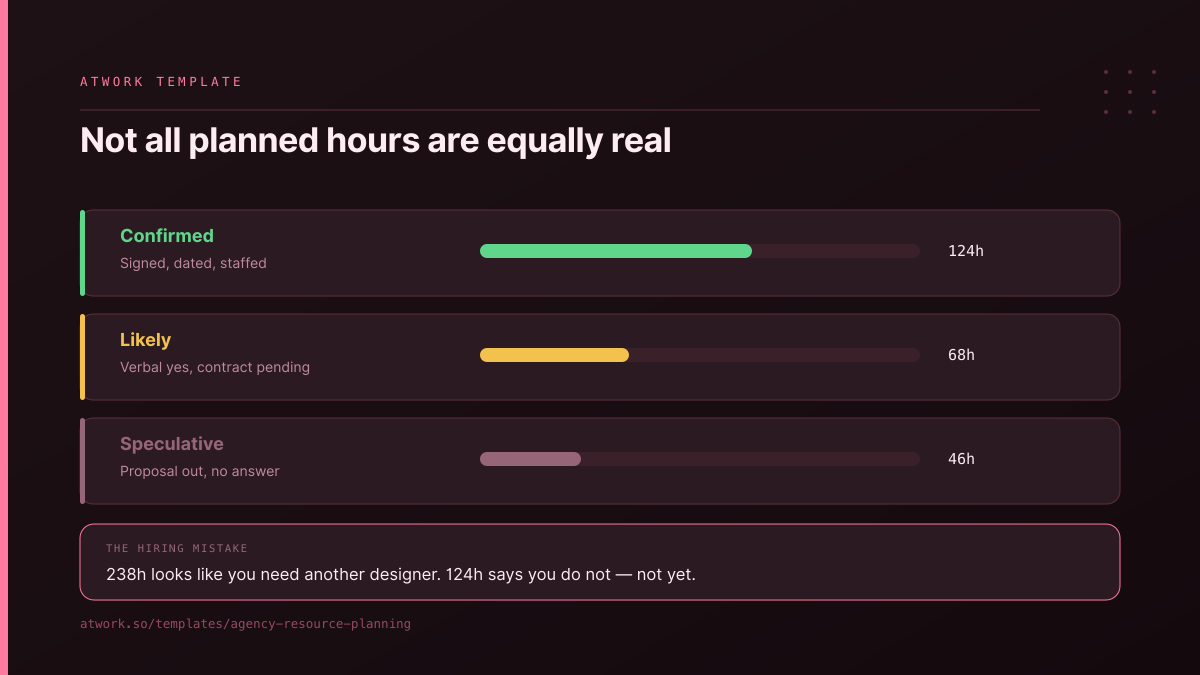
- Allocations — planned hours per person per week, each with a certainty: Confirmed, Likely or Speculative. This is the column that stops you hiring against work that has not been won
- People — weekly capacity and employment type, so a part-timer's 20 hours is 20 and not a rounded-down 40
- Projects — what needs staffing, with the total hours it is expected to take
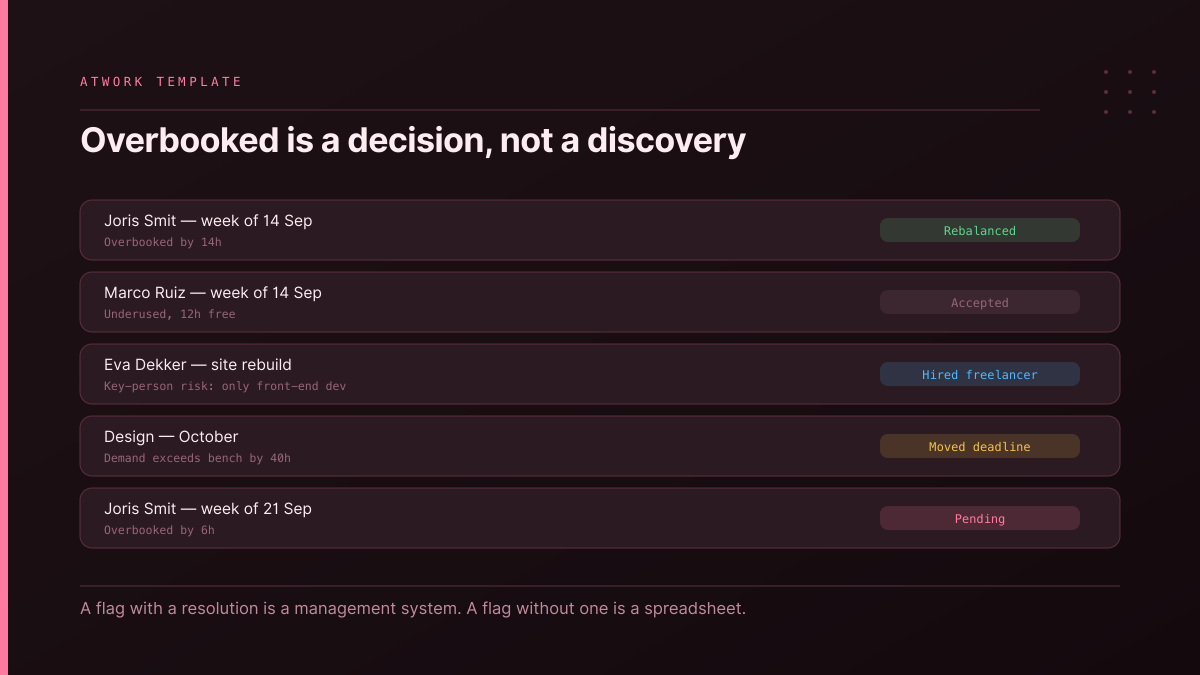
- Capacity Flags — a task sheet for the problems: Overbooked, Underused, Key-person risk. Each carries a resolution, because a flag nobody acts on is just a spreadsheet
- Dashboards — hours planned by certainty and by discipline, capacity by employment type
Why certainty is on every allocation: 238 planned hours looks like you need another designer. If 124 of them are Confirmed and 46 are Speculative, you do not — not yet. Agencies hire against pipeline that has not closed more often than they over-hire against real work, and the two are indistinguishable unless you write the difference down.
Why Capacity Flags is a task sheet: "Joris is over by 14 hours next week" is not information, it is a decision waiting to be made. As a task it has an owner and a due date, and a Resolution — Rebalanced, Hired freelancer, Moved deadline or Accepted. Accepting an overload deliberately is a perfectly good answer; discovering it on Friday is not.
No module required, so it installs into any workspace. Pairs with Retainer Management & Utilisation, which records the hours you actually delivered, and Freelancer & Subcontractor Management for the bench you reach for when the flag says Overbooked.